// PC GAMER — GAMING
Gaming monitors are one of the only good things about PC hardware right now, but one niche feature is underloved
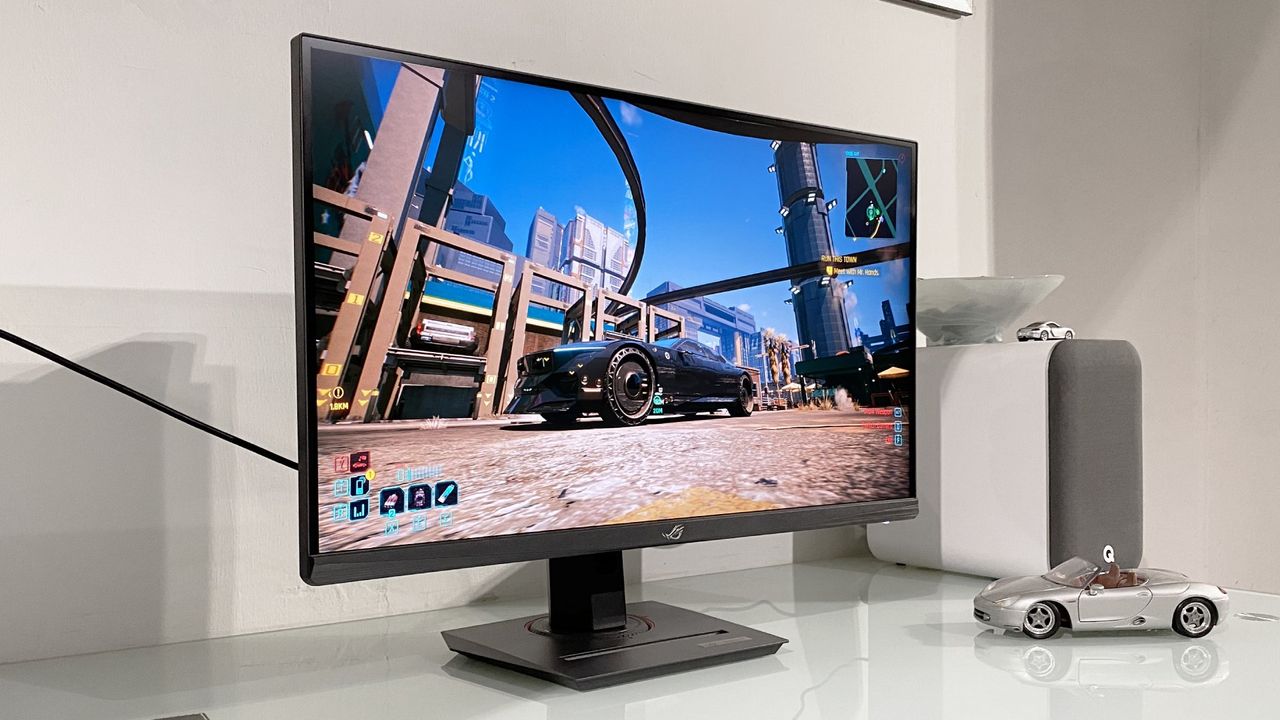
Doubling your refresh rate with just a few clicks? Yes please.
When you purchase through links on our site, we may earn an affiliate commission. Here’s how it works.
The memory crisis may be in full swing, taking numerous PC components with it, but the value of gaming monitors is one of a few hardware things that has actually improved over the last few years. In fact, their price-to-quality ratio is kind of outrageous right now, with even relatively recent QD-OLED screens going for around $300.
As such, monitors are one of the few things I check over without rolling my eyes, and therefore, they're one of a handful of techie bits that actually excites me. But that doesn't mean even they can't improve; when I chatted to gaming monitor brand AOC a few months ago, even its designers are aware the software isn't up to snuff.
I've been testing out the Koorui G2741L, a dual mode 4K/1080p monitor, over the last few weeks, and all I can think is 'gosh, why aren't more companies doing dual mode,' and 'why aren't more companies doing dual mode better?'
The central argument for dual mode makes so much sense to me. When you want your games to look pretty, you swap to 4K at a lower refresh rate, and when you want something snappy and competitive, you drop it to 1080p with a much higher refresh rate. You can get dual mode monitors like this Acer Nitro 4K/1080p one for as cheap as $160, they're even pretty reasonably priced right now (even if the 4K refresh rate is a pretty tiny 72 Hz).
Sure, you can technically just swap the resolution of your monitor at any time, but dual mode gives you access to a max refresh rate that is above what you would get if you just turned down the resolution of a 4K monitor.
But dual mode monitors have a few problems. For one, the thing I spotted instantly with the Koorui is that the swap between 4K and 1080p is a tad slow. The swap happens with a physical button, and in the case of the Koorui, it's a series of physical buttons. These navigate through the monitor's built-in software to then switch modes. It also just takes a while to swap, and the more seconds it adds, the less convenient it feels.
Another problem with dual mode monitors is the added blur. 1080p on a dual mode monitor tends to look worse than 1080p on a 1080p native screen. The reason 4K dual mode monitors go down to 1080p is that dual mode traditionally reduces the resolution to a quarter while doubling the refresh rate (though some monitors now triple or quadruple the refresh rate).
Keep up to date with the most important stories and the best deals, as picked by the PC Gamer team.