// ENGADGET — LINUX & OPEN SOURCE
5 nifty ways you can reuse your old laptop
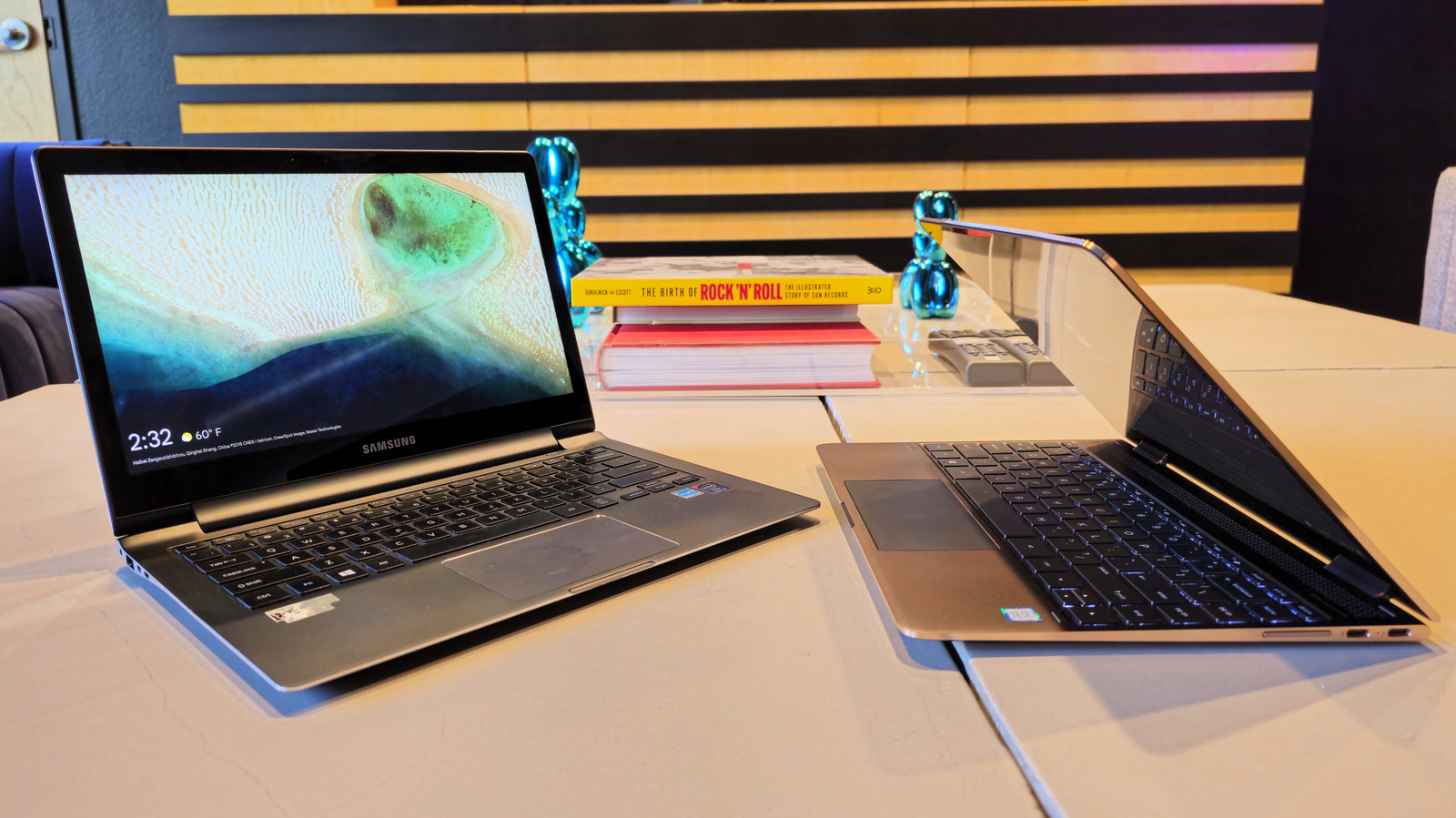
That old laptop of yours might be outdated, but it could still have plenty of life left in it.
An old laptop you no longer use can feel like a problem. Getting rid of one that still works feels wasteful, especially with how the rapacious demands of the AI industry have driven computer hardware prices up. There's never been a worse time to toss out a notebook that still works, but outdated hardware is often ill-suited to daily productivity tasks, entertainment or gaming. You might suspect there are other uses for it, but it's hard to determine what, exactly, those uses might be.
Thankfully, even a computer past its prime is still useful in the right context. We picked just five of the many things you can do to eke more value out of an aging laptop. Whether you're looking to give your clamshell a second life with a lightweight operating system or as a media server or plan on chop-shopping it for parts, these are just a few ideas to get you thinking creatively about the many afterlives a computer can have.
My decade-old laptop, purchased in college, had an Intel Core i7 processor from 2016, 16GB of RAM, and a 4K display; I knew it had some life left in it, but Microsoft disagreed. The laptop wasn't eligible for Windows 11, and Windows 10 didn't run smoothly either.
First, I tried converting it to ChromeOS Flex, Google's free version of ChromeOS for non-Chromebook laptops. It performed well, but was limited to web apps that broke my workflow and stopped me from using local, open-source apps. Without other options, I gritted my teeth and prepared for what I assumed would be the utter slog of installing Linux on the machine.
As it turned out, the entire process took fewer than 15 minutes. I flashed a thumb drive with Fedora Linux, plugged it into the laptop, and booted from the drive. A couple of loading screens later, I was breezing around the GNOME desktop. The first thing I noticed was that Linux was fast. I'd expected at least a few stutters and waits on my 10-year-old hardware, but it took running a few apps and plenty of open tabs in Brave before it showed any signs of stress.
Moreover, Linux has become much more user-friendly over the years, and it can even be an easier experience than Windows. For example, installing apps on Windows can be frustrating. You hunt the software down online, pray you're downloading the actual app you wanted rather than malware, and run through a complicated installer that tries to add browser extensions and other bloat. Most Linux distros have repositories that work like an app store, making it easy to install apps. While you don't have to run Fedora (or even Linux) specifically, a new OS can revitalize even a decade-old machine.
Personal media collections are back in vogue, and all the cool kids are allegedly listening to iPods or flexing their Blu-ray collections. But if you want to play your media on any device in your home, you'll need to set up a media server like Plex, Jellyfin, or Emby. It's a few hours of work, but once it's running, you can stream your media on all capable devices, including TVs and smartphones.
Setting a media server up is easier than it sounds, but the biggest barrier is probably finding a computer for the job. That's where your old laptop comes in. It's reasonably compact and may already have decent storage, with USB ports for expansion if necessary. Laptops also have backup power in the form of the built-in battery, which makes them a surprisingly great choice for the task. They also use less energy than desktop computers, making them cheaper and greener to run 24/7.
If you use a laptop as your media server, run it with the lid open but the screen off. This allows for proper airflow and reduces resource load. You may also want to set a battery charge limit of 60% and place the notebook on a cooling pad.