// ARS TECHNICA — MODA & SOCIETÀ
Review: Apple's M6 MacBook Pro is good, but it's missing all the exciting stuff
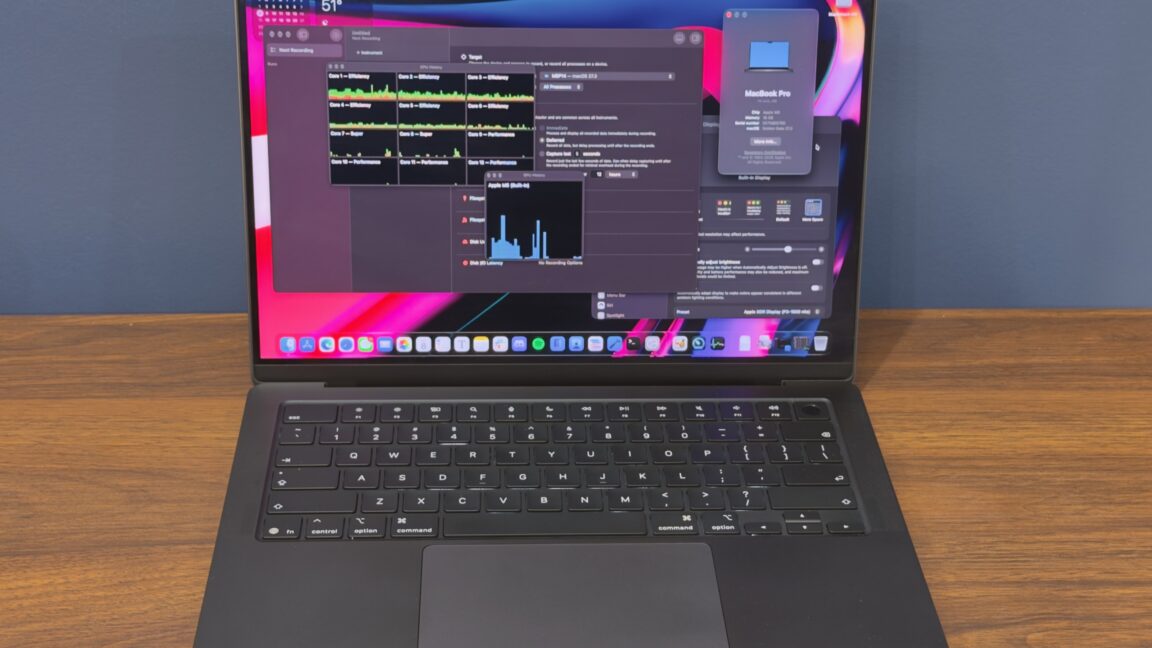
Per usual, the basic MacBook Pro lags behind the flagships where it counts.
I’ve written more than once about the weird positioning of Apple’s entry-level 14-inch MacBook Pro, which has always occupied an uncomfortable perch between the MacBook Air and the higher-end MacBook Pros. The best versions of this laptop, like last year’s M5 refresh, come with the same basic design and external features of the higher-end MacBook Pros, just with a more modest processor and a lower ceiling for specs like RAM and storage.
The lesser versions stick with older designs or other compromises, reserving Apple’s most updated designs and screen technologies for the more expensive high-end models. Recall the 13-inch M1 and M2 MacBook Pros, which stuck with Apple’s 2016-era MacBook Pro designs for everything, up to and including the now-abandoned Touch Bar. (If you’re someone at Apple maintaining Touch Bar support into the 2030s for the sake of these two laptop models, I’d like to hear from you. Not for a story! I’d just like to know how you are.)
This year’s entry-level MacBook Pro mostly falls into that latter category. It does get an Apple M6 chip, and the M6 is great—rumors suggest the M6 won’t get Pro, Max, or Ultra configurations, so there are some fringe benefits here that you can’t get in the top-tier MacBook Pros. But it uses the same MacBook Pro design Apple has been using since 2021. There’s no touchscreen, no OLED panel, no Dynamic Island, no half-pound weight reduction, no glowing Apple logo on the lid.
In other words, it has very little of what makes the “PROLED XDR” MacBook Pros interesting, despite starting at an objectively very high starting price of $1,999. This is $700 more than the basic M1 MacBook Pro from 2020 and $400 more than the starting price of the M5 MacBook Pro from a year ago (though that model also got a mandatory 1TB storage upgrade and a $400 price hike when Apple raised most of its prices back in June).
That doesn’t mean there’s no constituency for the base-model MacBook Pro, which remains the cheapest way to get a 120 Hz ProMotion display or the anti-glare nano-texture display finish from one of Apple’s laptops. I just wish paying this kind of money was enough to get you Apple’s best technology.
There’s nothing new here compared to the M5 MacBook Pro, but just in case it’s been a few years, let’s run down the basics and go over what makes this laptop different from the MacBook Air.
Though it’s now a few years old, this iteration of the MacBook Pro design still looks and feels good, particularly with a nano-texture display installed. The laptop looks and feels (and is) thicker and heavier than either the 13- or 15-inch MacBook Air, but it also comes with more ports. In addition to the MagSafe port, a pair of Thunderbolt 4 ports, and a headphone jack on the laptop’s left side, you also get a dedicated HDMI port, another Thunderbolt 4 port, and an SD card reader on the right side.
For those who use USB-C chargers, it’s nice to be able to plug the laptop in to charge it from either side. For everyone else, it’s just nice to have more ports and need fewer dongles.
The MacBook Pro keyboard and trackpad are broadly pretty comparable to the Air’s, though if pressed, I’d say the Pro’s feels ever-so-slightly crisper and firmer to type on.