// ENGADGET — MOBILE & WEB
Apple HomeView review: A versatile smart display and Siri-powered home hub
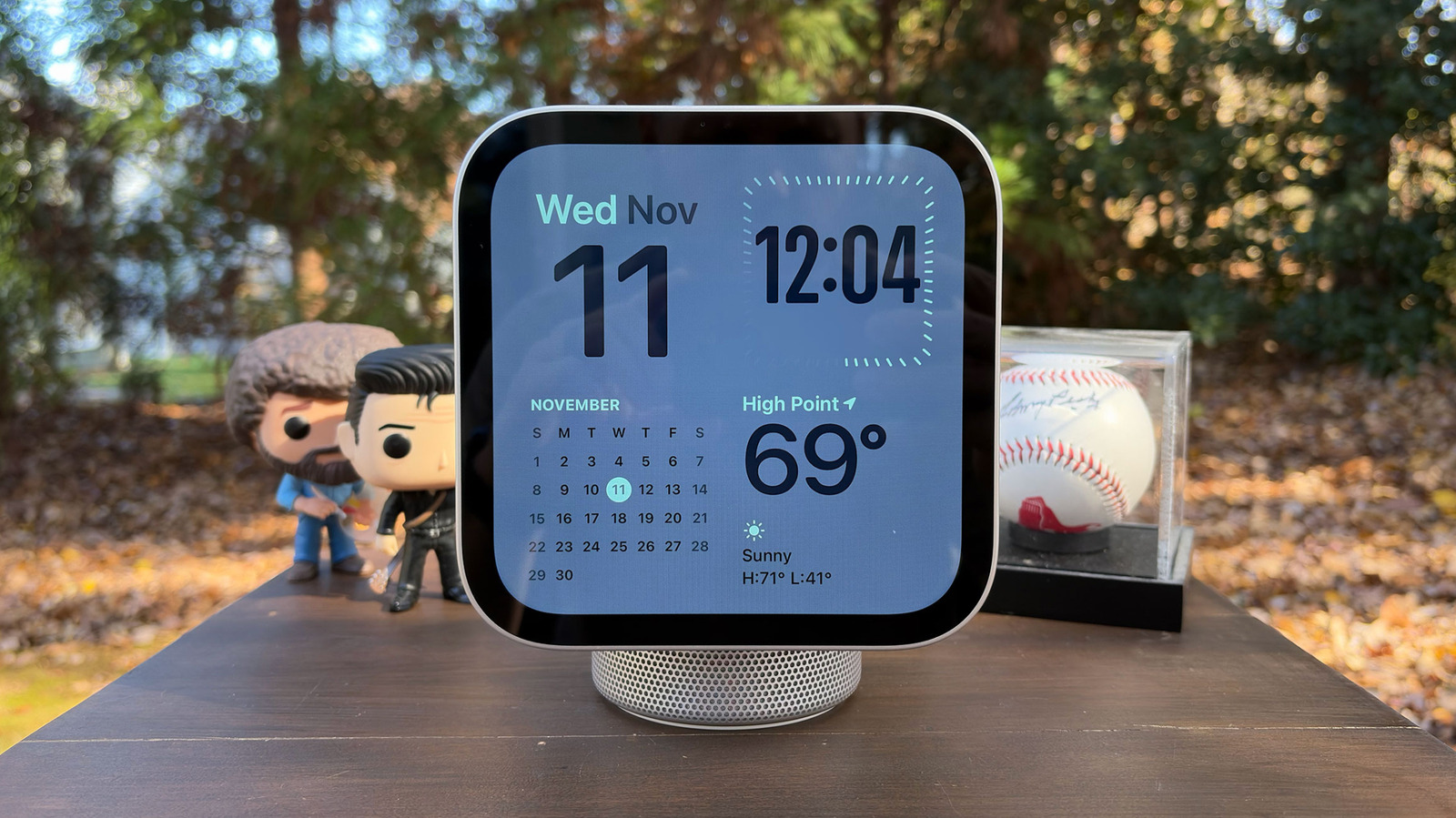
The company’s smart screen debut heavily relies on an iPhone or iPad — for better and for worse.
Apple's entry into the smart display category was rumored for years. By the time its debut home hub device arrives this week, the company will be nearly a decade behind its main rivals in the space. In true Apple fashion, it refused to rush new products just because most of the competition was doing it. Now that the HomeView ($299) is here, Apple is hoping the iPhone faithful will like its mix of elevated design and newly expanded Siri capabilities.
Unlike smart displays from Amazon and Google, Apple's approach relies on a companion device. That means you'll need either an iPhone or an iPad to mirror apps using technology similar to CarPlay. As you'd imagine, that means the HomeView's usefulness, like CarPlay's, is directly tied to how much you use Apple's core apps — things like Messages, Calendar, Photos, Reminders and others. You'll also need to have some smart home devices to make the most of the smart display and be willing to use Safari as your recipe box. If all of that is OK to you, and if you're willing to give Siri access to personal data inside some of those apps, the HomeView can quickly become a very versatile device with something for your whole family.
I have fond memories of the iMac G4. It was the first computer I used in a design lab in college, and I loved how I could reposition the display to suit the task at hand. The first time I saw the HomeView, those memories flooded back. Apple's smart home display doesn't exactly replicate the G4 styling, but it's close enough for a decent nostalgia hit for me.
The HomeView essentially consists of two parts: a cylindrical, domed base and a 7-inch Liquid Retina display. At least, that's if you get the tabletop version. The wall-mounted option is just the screen, and you'll have to pay at least $59.95 for a mount. Every version of the HomeView has two full-range drivers in the display itself. The base houses additional components, like a down-firing woofer and a pair of force-canceling passive radiators for fuller sound with more bass than the wall-mounted models.
That display has an LED-backlit multi-touch IPS panel that offers a 1,088 x 1,088 resolution at 200 pixels per inch. Apple says it also added an oleophobic fingerprint-resistant coating to cut down on grime from everyday use. There's an ambient light sensor that enables the HomeView to adjust both brightness and warmth as needed. If it's in direct sunlight, you can expect the maximum 500 nits, but at night, it can dial things down to just 0.3 nits — the lowest brightness ever on an Apple display. The company believes this makes it perfect for a nightstand, if you're willing to have a camera pointed at or near your bed.
The HomeView's display has bezels like an iPad and the shape of a large Apple Watch. Unlike either of those devices, though, it has no physical buttons for controls. All of the interaction is done via swipes and taps on the touchscreen itself, or, as I'll elaborate on in a bit, with your voice. And unlike that iMac I'm nostalgic for, you can only tilt the display — you can't adjust its height. While that will suit most of your needs, I'm sure there are a lot of people who would've liked the ability to change the height or rotate the screen as well. Once you do adjust the way it tilts, a built-in accelerometer detects the new angle and alters the audio performance of the display's two drivers to match it.
Another item to discuss in terms of design is the HomeView's lone port. Around back, there's a single USB-C jack for power. Apple ships the standard version of the device with a USB-C to USB-C cable and a 30-watt power adapter. If you opt for the USB-C wall mount, which already costs $59.99, you'll need to purchase the power adapter separately. The company offers a 40W dynamic power adapter (up to 60W max) for $39 while the minimum required power supply (20W) will cost you $19. Obviously, the