// 9TO5GOOGLE — MOBILE & WEB
New Gemini setting lets you keep chat history, but turn off AI training [U]
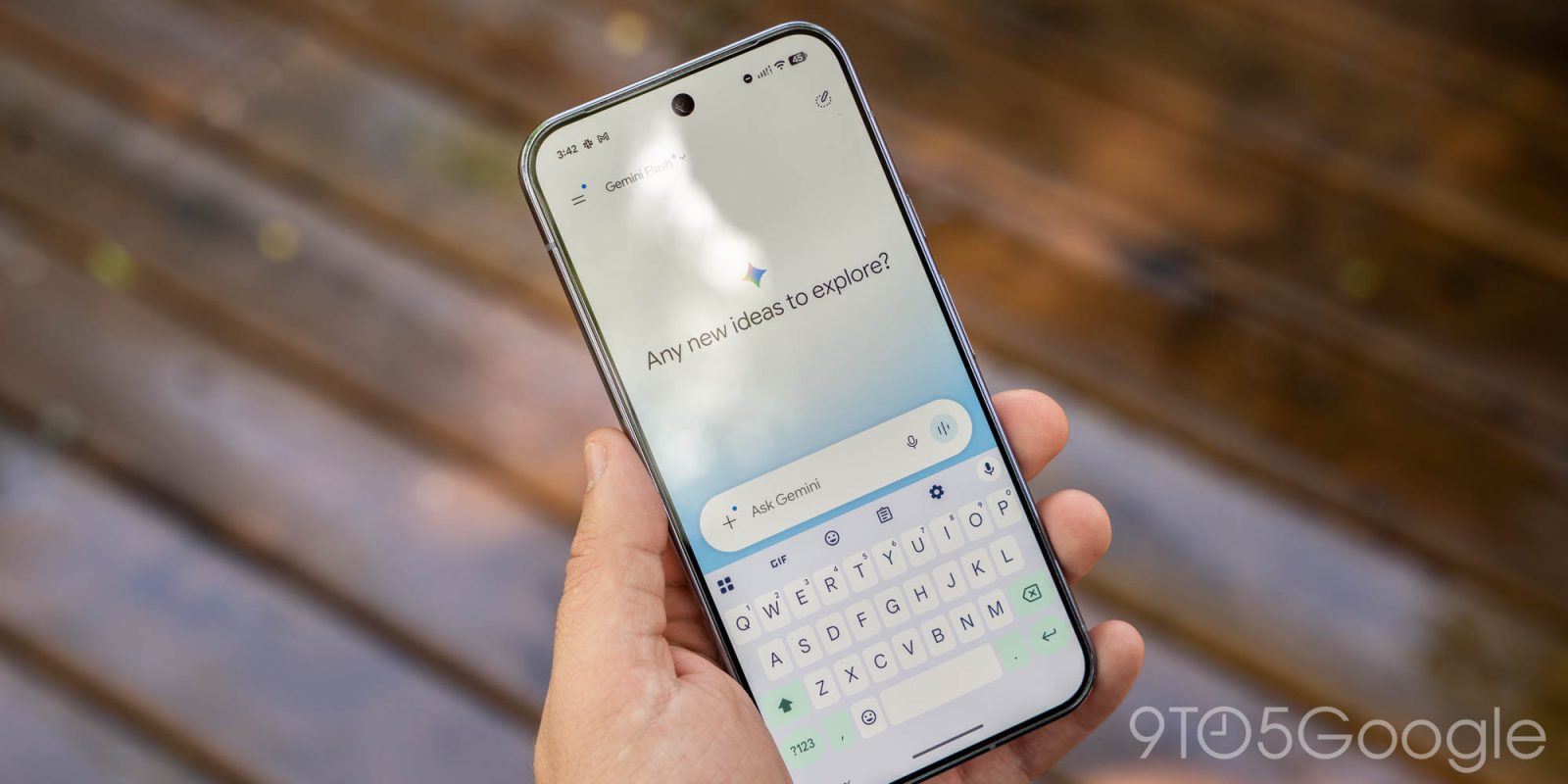
Google is rolling out new privacy settings for the Gemini app that will let you “keep your history while independently controlling generative AI model training.”
Update 11/24: This new setting is now widely rolling out. On gemini.google.com, tap the settings gear icon to find a new “Gemini History” item at the very bottom. This opens myactivity.google.com/product/gemini with an On/Off dropdown.
Under “Help train generative AI models with,” you’ll find the new “Chat content including text & attachments” setting. It’s enabled by default.
Your future chats won’t be used to train generative AI models, unless you provide feedback.
Training on “Audio and Gemini Live videos & screenshares” remains an opt-in preference.
Original 11/16: Gemini’s existing Keep Activity setting “controls how long your chats are saved and whether they are used to train generative AI models.”
Google is now separating that preference into two new options.
This is huge. One of the major things Siri-AI users on iPhone like to point out is that while their assistant is a less capable portmanteau of Siri and Gemini, their queries are not used for AI training. Gemini on Android, on the other hand, offers the superior AI platform with the caveat that there is no way to opt out of training and still retain your chat history. Until now. Now users of Gemini on Android get the best of both worlds - the best of Google's AI models powering their AI experiences and their chat history siloed from AI training.
The first setting is called “History” and lets you “control how long your history is saved.” If disabled:
“…future chats will be saved for around 2 months and used to respond to you, process your feedback, and protect Google, its users, and the public, with help from human reviewers.”