// 9TO5MAC — MOBILE & WEB
Adobe Firefly’s music, voiceover, and sound effects generation tools now generally available
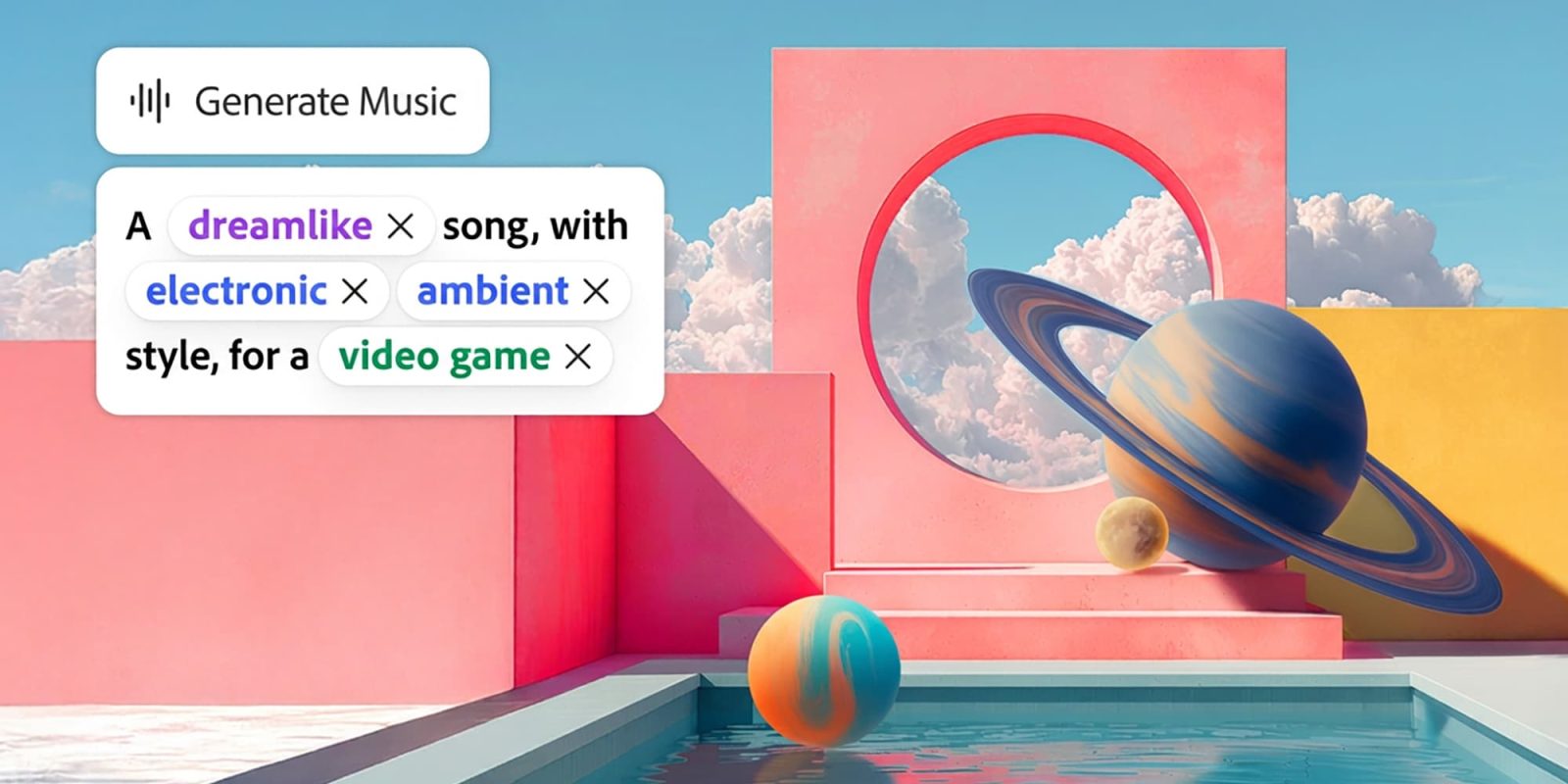
Users can now create fully licensed tracks, voiceover, and sound effects on Adobe’s Firefly AI assistant. Here are the details.
Adobe recently conducted a survey in partnership with Berklee College of Music to understand the workflows and challenges faced by video creators, musicians, and marketers. According to Adobe, 100% of respondents said they use music in their videos, with 32.7% using AI-generated music. 43.2% cited legal and copyright risks as the main barrier to using music, while 38.9% cited licensing costs.
Today, Adobe is making the Generate Music tool generally available on Firefly, alongside two other tools: Generate Speech and Generate Sound Effects:
The company stresses that Generate Music creates fully licensed music that is ready for finished work, and like Generate Speed and Generate Sound Effects, does not require a separate subscription to generate commercially safe material.
Generate Music can analyze the contents of a video, and create editable prompts based on what it identifies as the best fit for it. Users can also adjust parameters such as the music tempo, energy, and duration before hitting Generate to receive four options in return.
When using the Generate Speech effect, users can add expressivity and pronunciation tags to certain parts of the script, while Generate Sound Effects lets users fill in a text prompt or record a sound effect with their voice to use as a reference for the generated audio.
Sound is usually the last thing you add and the first thing people notice. It’s also where creative flow tends to get disrupted, sending you off to specialized tools and separate services, then back again to stitch it all together. Today we’re excited to share that Firefly’s popular audio tools including Generate Music, Generate Speech, and Generate Sound Effects, are generally available and ready to use in your creative workflows, from social content and live vlogs to short films, product tutorials, and podcast clips.
The new tools are available on Adobe Firefly’s desktop and mobile web app.
Additionally, Adobe today announced that Gemini Omni Flash is now on Firefly, letting users “prompt with video, audio, and image inputs alongside text, giving you more ways to develop your video and reshape it through back-and-forth edits, […].”
The move comes just days after the company added Runway Aleph 2.0 and Kling 2.0 to its third-party model toolset, which already featured models from Google, Kling AI, Luma AI, OpenAI, Runway, and Adobe itself.