// 9TO5MAC — MOBILE & WEB
Apple releases iOS 27 with Siri AI and these new iPhone features
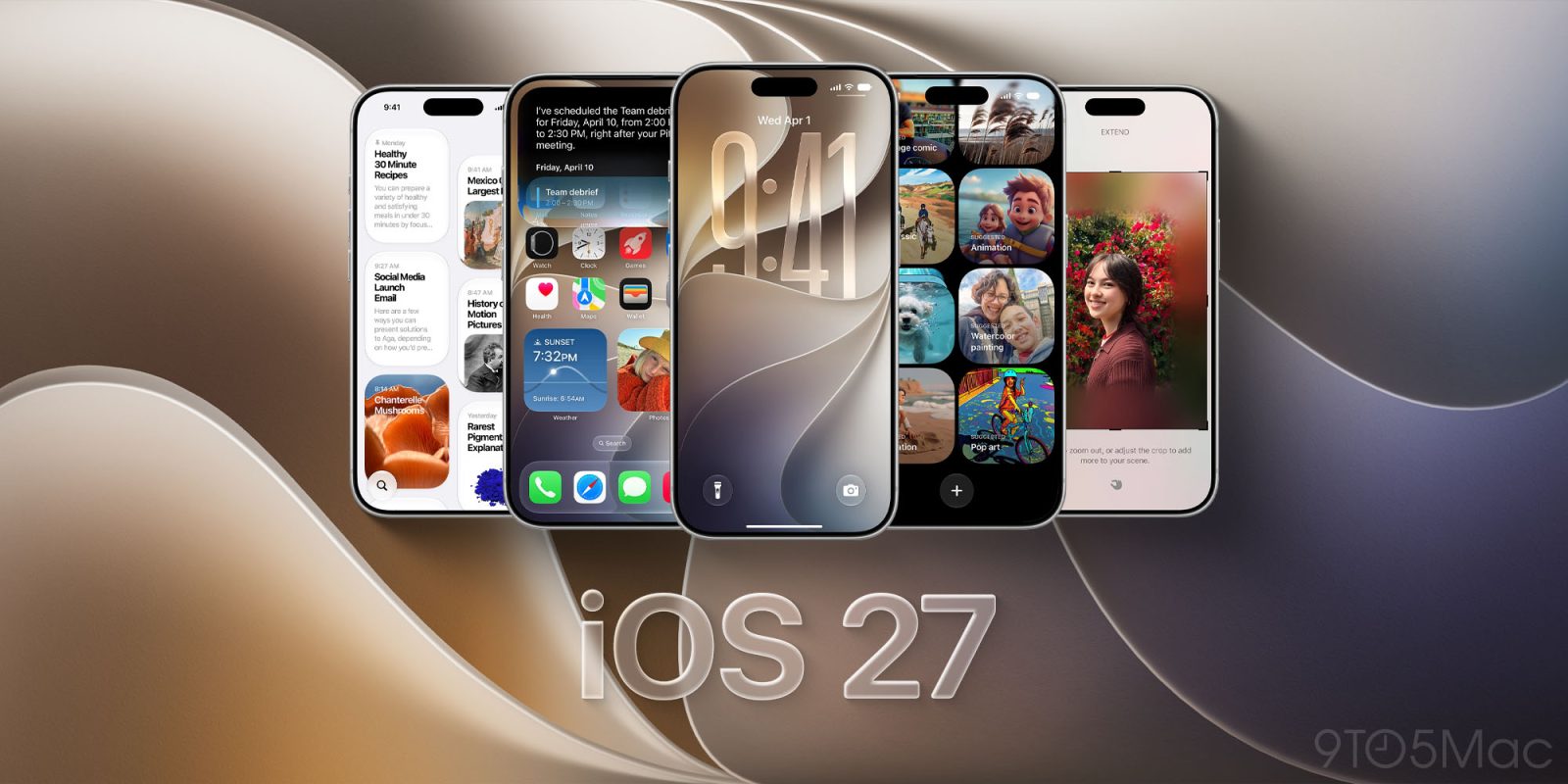
iOS 27 is officially here. After a summer of beta testing, the free software update has arrived for everyone. It brings Siri AI, new Apple Intelligence features, more control over Liquid Glass, and improvements throughout the system. Here’s what’s new, which iPhones support it, and how to update.
You can download iOS 27 by opening Settings → General → Software Update on your iPhone. Select the iOS 27 upgrade, then follow the onscreen instructions.
Before installing, back up your iPhone using iCloud or a computer. Apple also provides installation instructions if you need help.
You may need to swipe down on the page to reveal the iOS 27 update option.
With iOS 27, Apple introduces a more conversational assistant called Siri AI.
The new Siri can use personal context to find information across your messages, emails, photos, and other content.
It also understands onscreen information and supports more actions across apps. That means you can ask follow-up questions or request help with what you’re viewing.
A dedicated Siri app lets you revisit conversations and continue them across supported Apple devices. Meanwhile, Siri mode in Camera brings Visual Intelligence into the viewfinder so you can ask about things around you.
Write with Siri also helps you draft and revise text. In Messages and Mail, it can adapt to your writing style.
Siri AI and the new Apple Intelligence features require iPhone 15 Pro, iPhone 15 Pro Max, or an iPhone 16 model or later. iPhone Air and iPhone Duo also support Siri AI.