// ITS FOSS — LINUX & OPEN SOURCE
Lumo 2.0: Proton's Private Alternative to ChatGPT and Claude Just Got Better
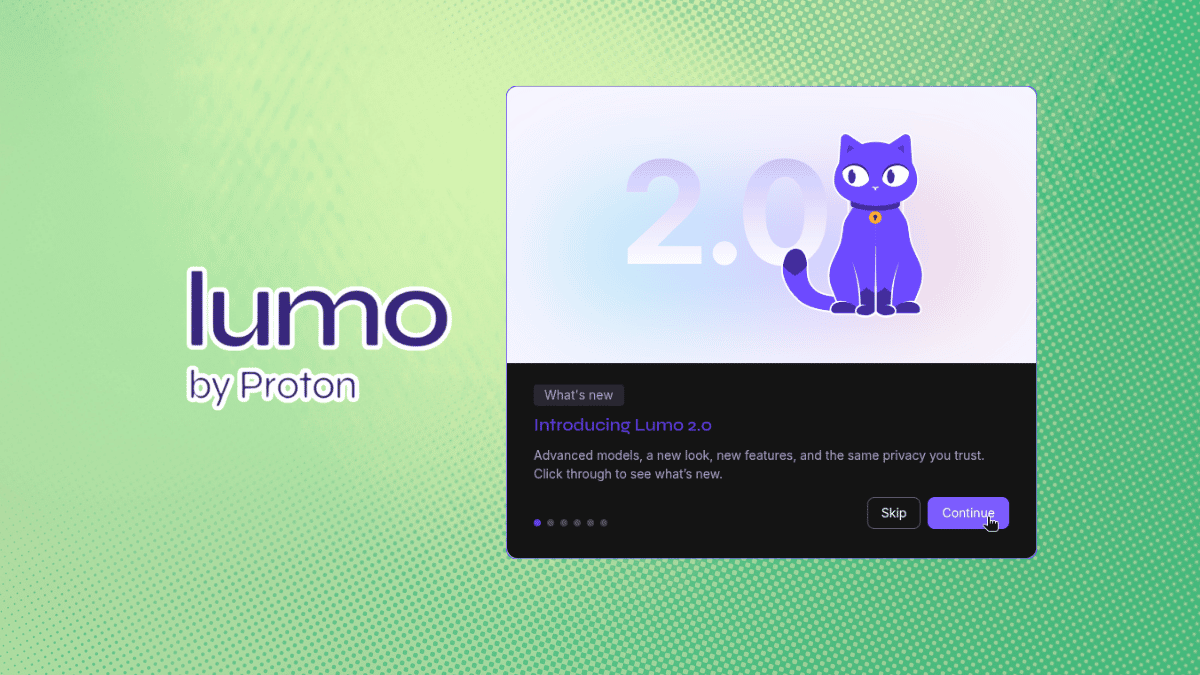
When Lumo (partner link) launched last year, I took it for a spin to see what Proton's foray into AI assistants looked like. I found out that the open source AI assistant ran quite well for a new launch.
And a few months later, Lumo 1.3 brought Projects to the assistant, letting me bundle related chats, files, and custom instructions into encrypted workspaces. I tried this out too, complete with Proton Drive integration for pulling files straight in, and it worked well.
Following that, I used Lumo to cook up some ideas for our socials, and it worked decently, though sometimes it would completely miss the mark. Also, its lack of ability to read images was something that didn't sit well with my workflow.
Fortunately, that's changing with the launch of Lumo 2.0, Proton's "most advanced AI assistant yet."
The feline-faced assistant didn't have real memory capabilities before this. It could save your chat history and group-related work into Projects, but it never actually remembered anything about you between separate conversations.
That is something every major AI chatbot on the market has already cracked. With Lumo 2.0, that changes, and you can now take advantage of user-controlled memory, which lets you configure what Lumo carries over from chats.
Then there's the web search feature that already existed earlier, but it leaned entirely on the model's own knowledge once you toggled it on. The Lumo 2.0 implementation pulls in live results with source citations instead, so answers about anything recent should actually hold up.
Another gap that has been plugged is the image support, with there now being the ability to analyze, edit, and generate images inside any encrypted Lumo conversation.
Proton also includes the Lite and Max models with this release. Andy Yen, Proton's CEO and founder, says the latter performs on par with the latest models from OpenAI and Anthropic for many use cases, based on the company's own user testing.
For starters, I asked Lumo what version it was running, just to see if it had information on what its internal components consisted of. The earlier Lumo release had just done some guesswork, guiding me towards the support page for Lumo for getting further information.