// 9TO5GOOGLE — MOBILE & WEB
Googlebooks don’t have the same web app or Linux app support as Chromebooks
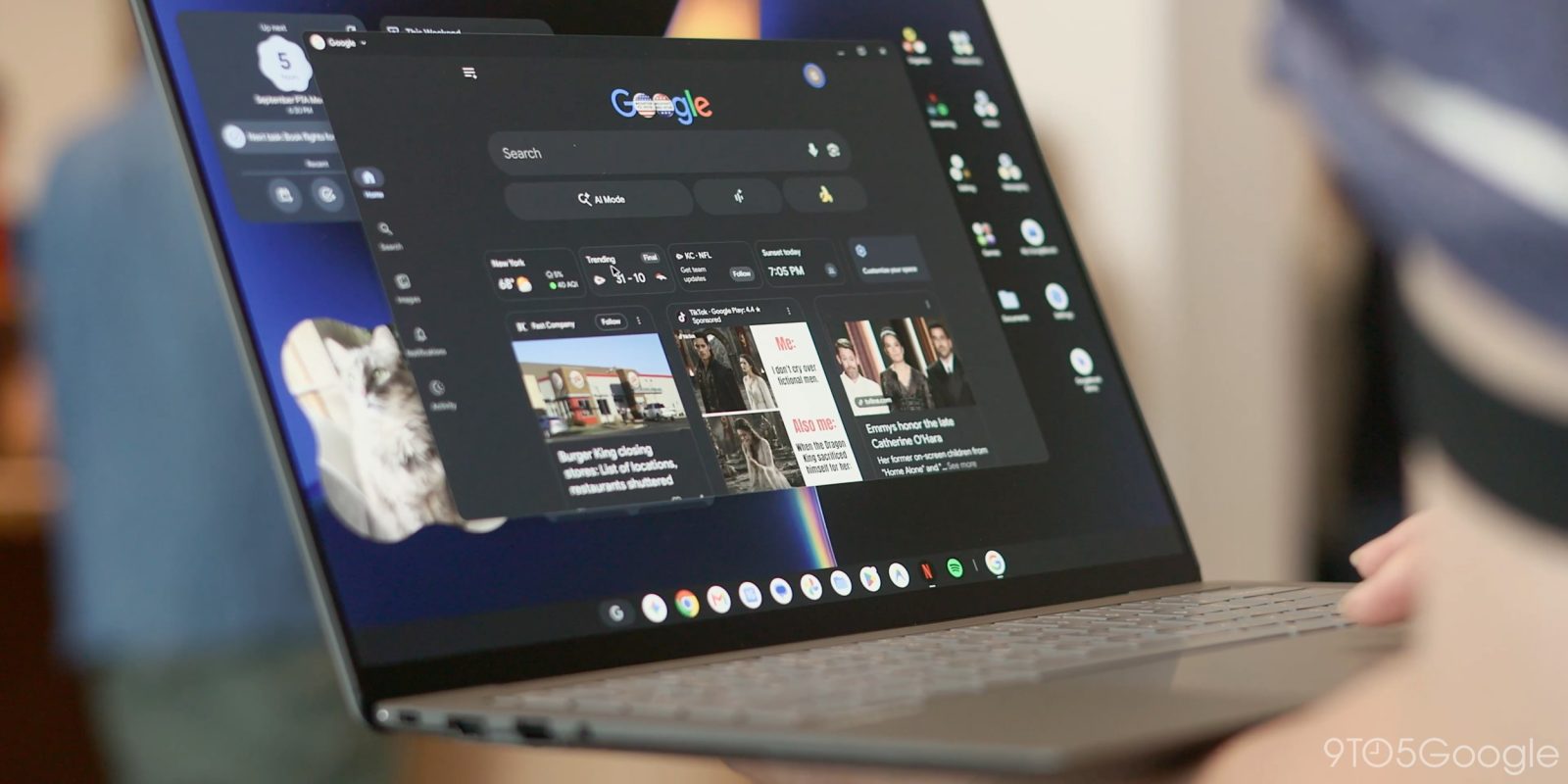
Googlebooks don’t have the same level of web app support as Chromebooks, as only “compliant” apps can be installed, and that’s not the only regression from ChromeOS, as Linux apps don’t work in the same way either.
Googlebooks rely on Android apps and web apps for virtually all core functionality, with the Play Store actively directing users to which app is the most ideal on the platform.
As it turns out, though, support for Progressive Web Apps on Googlebook isn’t quite at the same level as Chromebook. While most PWAs we’ve tried so far are easily installed, we ran into an issue installing the Slack PWA. Google, in a statement today, confirmed this is because Slack is not a “compliant” PWA, with Chromebooks instead relying on “manual installation.” It’s unclear what differs regarding Slack’s PWA — it functions just fine on other platforms such as Windows and ChromeOS — but it can’t be installed on Googlebook or Android devices.
Installing PWAs is fully supported on Googlebooks. But, the Slack web app isn’t a compliant PWA. Chrome on ChromeOS allows manual installation even though it’s not a PWA. This capability will also be coming to Chrome on Googlebooks soon.
This mirrors another regression in app support compared to Chromebooks.
Googlebooks also, at least for now, lack the same level of Linux app support.
Chromebooks started adding support for installing Linux apps way back in 2018 and, after a few years in development, it became a secret super power of Google’s platform. Linux app support on Chromebook allowed users to bridge the app gap with the ability to install full desktop apps via Linux ports and, while it wasn’t the easiest process, it got the job done.
There’s little to no documentation around Linux apps on Googlebook right now, with Google’s only page on the matter describing how you can use the Terminal app to access a Debian command line interface. Google says:
You can use the Terminal app to access a powerful Debian Linux command-line environment directly on your Googlebook. You can install and run developer tools, code environments, and access other Linux applications. It expands your device’s capabilities for advanced tasks and software development.
But installing apps via this portal doesn’t put them within easy reach of the end user. It’s a far cry from Chromebook’s support, which placed most apps within the app drawer once they were installed.