// TOM'S HARDWARE US — HARDWARE & GADGET
Elegoo M1 Ultra review: A good first entry into the scanner market
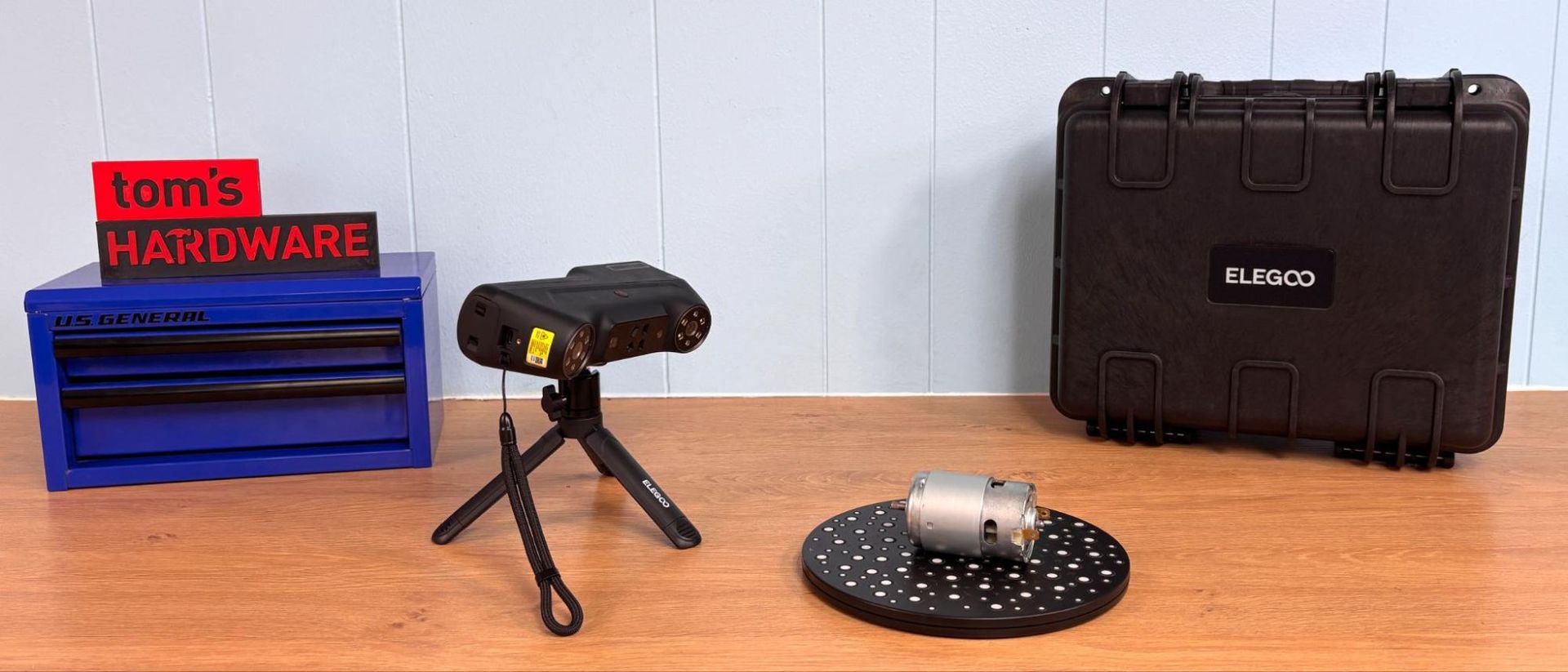
The Elegoo M1 Ultra has a lot going for it, but it is not a standalone system. You’ll need to combine it with a powerful laptop to process the scanning data into anything useful. The good news it can be tethered via Wi-Fi.
Why you can trust Tom's Hardware
Our expert reviewers spend hours testing and comparing products and services so you can choose the best for you. Find out more about how we test.
The M1 Ultra is Elegoo’s first entry into the 3D scanner market. It is a feature-rich scanner with five scanning modes, four blue light laser modes, and a NIR binocular structured light mode. Most importantly, the scanner has a 3-in color touch screen and long battery life. It even includes a spare rechargeable battery, so you’re always prepared.
The scanner can’t run without a fairly high end PC or Mac for processing power. It will need to be tethered to the laptop with a UBS-C cable or connected via Wi-Fi. I was able to get about five feet away from my subject in a harsh RF environment. I didn’t test it further than that, so it may go farther. The cable connection provides the fastest connectivity, making tethered scanning worth the hassle.
The scanner’s output rivals any of the scanners I’ve tested, but it did require a little extra work to get there. At a current price of $1,599 at Elegoo, the M1 Ultra has features not found in other scanners at this price point.
The Elegoo M1 Ultra comes with a nice hard case for travel, with a padded interior to protect the scanner, glass calibration board, spare battery, NIR filters, and a USB-C cable. Also included are a lens cleaning cloth and a packet of marker dots. Noticeably absent is a turntable for scanning smaller objects. (We borrowed a turntable from another scanner during this test.)
The Elegoo M1 Ultra weighs 511g (1.12lbs) with its battery installed. It has a rubber grip below the screen and is nicely balanced. Users with large hands may find their thumbs blocking the screen.
The onboard screen can be used to set the scanning parameters, start and stop scans, and monitor the scans as they progress. The 3-inch screen is small, but the UI is laid out perfectly. When setting parameters for a scan, the touch screen takes precedence over the tethered computer if you’re starting the scan from the scanner itself.
The business end of the scanner has a series of blue, white, and infrared LEDs, blue lasers, and cameras. The included NIR filters are needed when scanning outdoors or in harsh light conditions. The battery and the spare can be charged using a USB-C cable when unmounted, and can be charged from the computer when operating the scanner in USB mode. The battery life is excellent. Almost all of our testing was done with one charge of the battery and its spare.
Get Tom's Hardware's best news and in-depth reviews, straight to your inbox.