// TOM'S HARDWARE US — HARDWARE & GADGET
Acer Swift Go 16 AI (AMD Gorgon Point) Review: A balanced, affordable, big-screen portable
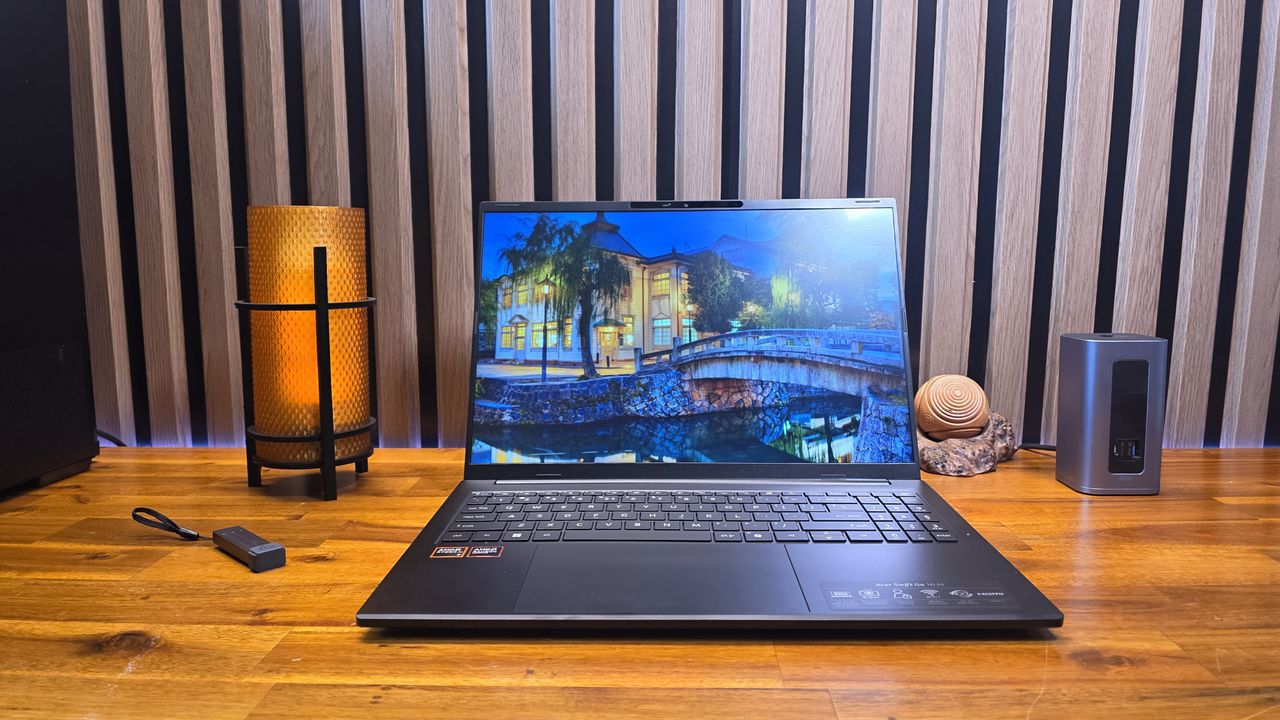
The price of Acer’s Swift Go 16 AI can swing widely, and it’s a much better value when on sale. But it’s a solid big-screen portable with a nice IPS screen and lots of ports. Just check the price of the Intel option before buying, because it has OLED and may cost less.
Intel version has an OLED screen and sometimes costs less
Lid attracts smudges (some of which I couldn’t wipe away)
Why you can trust Tom's Hardware
Our expert reviewers spend hours testing and comparing products and services so you can choose the best for you. Find out more about how we test.
We’re so used to testing cutting-edge, top-end laptops with high price tags that a decently equipped portable that isn’t priced around $2,000 can feel refreshing. And with price increases happening seemingly everywhere, the average laptop buyer probably feels the same.
Enter Acer’s Swift Go 16 AI, a 16-inch portable with an IPS touchscreen, a premium-ish metal shell, AMD Ryzen AI 7 445 processor, and 16GB of RAM paired with 1TB of storage, plus a 7-inch (diagonal) touchpad. It won’t break any performance ground, but it was a solid deal when it was on sale for $799. At its current MSRP price of $1,149, it’s a lot harder to argue for – especially when the silver-shelled Intel-based model (which halves the storage to 512GB but ups the screen tech to OLED) was on sale for just $699 at Best Buy when I wrote this.
The design of Acer’s Swift Go 16 AI packs more positives than negatives, but it is still a mixed bag. Perhaps due to its size, it feels lighter than its 3.53-pound weight, and its aluminum shell (black with zig-zagging slim lines on the lid) puts it head and shoulders above budget offerings. It’s also fairly svelte for a big-screen laptop, at 14 x 9.9 x 0.63 inches.
Port selection is also good, with a pair of USB-C ports, a USB-A port, and HDMI on the left edge.
The right edge houses a Kensington lock slot, another USB-A port, a headset jack, and a microSD card slot.
Also here is the charging indicator light, which is an odd choice since the charging ports are on the other side of the laptop. After plugging the laptop into the charger on my test bench, I had to lean across the laptop just to see if it was charging.