// 9TO5MAC — MOBILE & WEB
Apple Watch sleep score became more useful for me with these settings
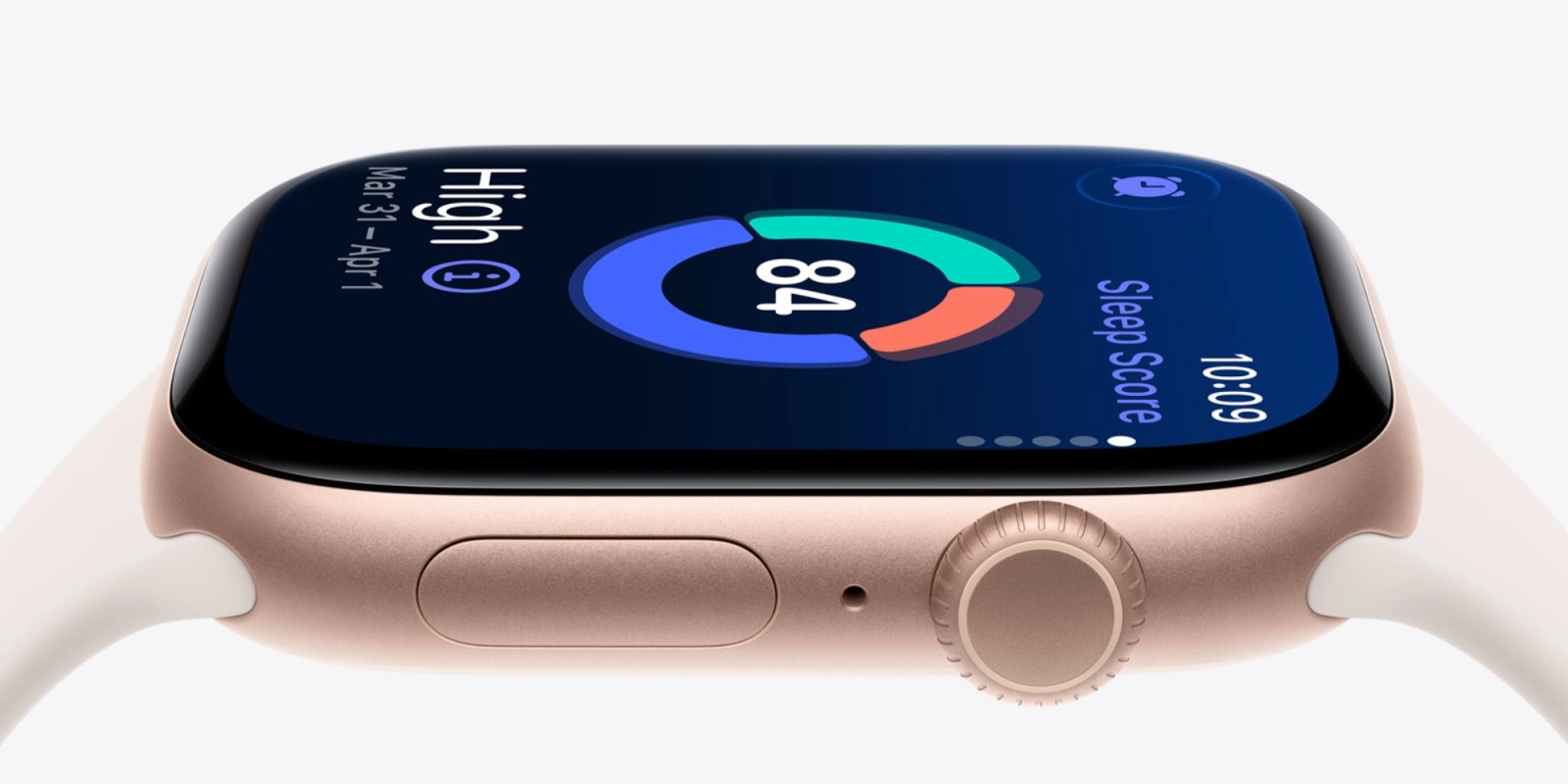
Apple Watch includes a built-in sleep tracking feature. Just wear your Apple Watch to bed, and it works automatically. No need to install apps or enter a special mode.
watchOS 26 takes sleep tracking further with Apple’s sleep score feature. Sleep score is a great way to visualize the quality of your sleep from night to night. There’s one setting in particular that has made sleep score especially useful for me.
Sleep score has been a useful Apple Watch feature for me since it arrived in watchOS 26.
Shortly after launch, Apple made sleep score even better by refreshing its approach to grading based on customer feedback.
Apple Watch can notify you of your sleep score each morning with a notification that shows your data.
I liked receiving daily alerts when sleep score was brand new. It helped me form an understanding of how the feature worked and how it was measuring my sleep.
More recently, I’ve found sleep score’s granular notification controls to be a better fit. Sleep score includes five classifications:
For me, I’ve decided that I don’t need notifications for high and very high. My thinking is that a good night’s rest should be the norm and hopefully speak for itself.
Instead, I’ll only be notified about sleep score if the result is OK, Low, or Very Low.
In these instances, I think it’s most helpful to have that signal in the morning. Then I can reflect on what might have caused the lower sleep score and hopefully not repeat it.