// PC GAMER — GAMING
Windows update that breaks some multiplayer games linked to our desire for gaming PCs that light up all the colors of the rainbow
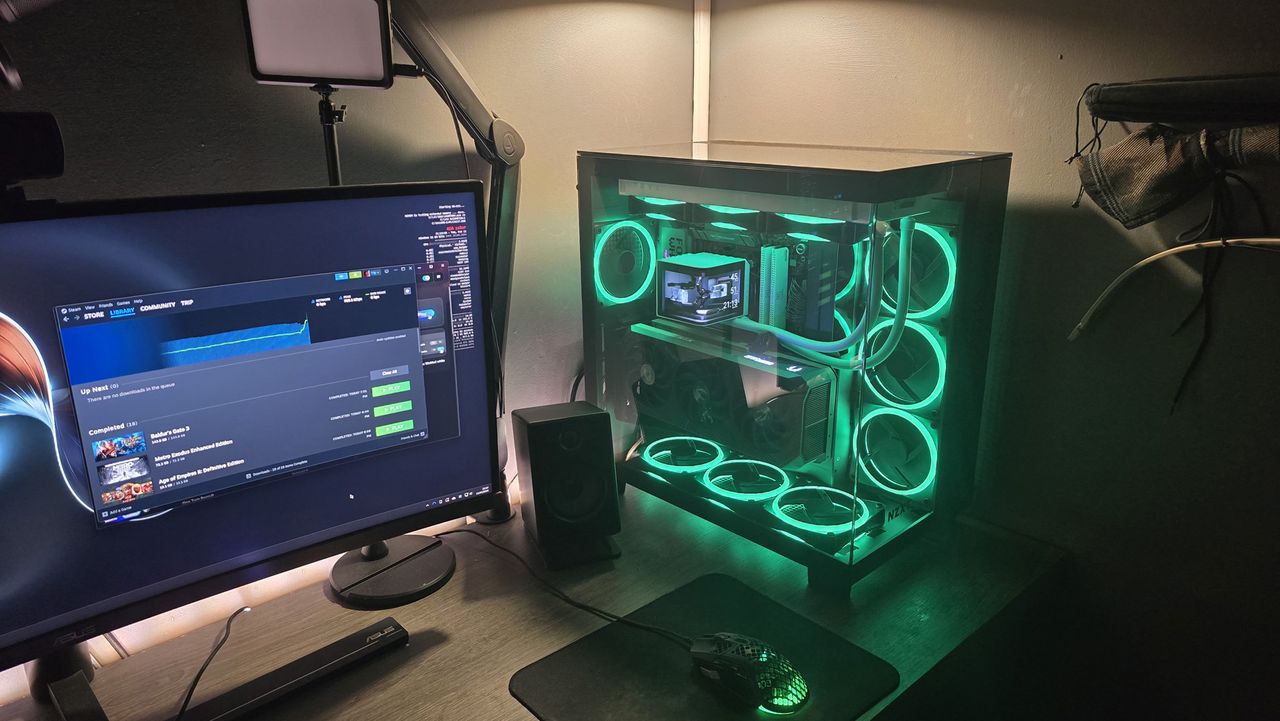
I knew all this showboating would bite us in the butt one day.
When you purchase through links on our site, we may earn an affiliate commission. Here’s how it works.
Last week, we covered the very strange occurrence of a bug in the latest Windows update. Yes, a bug in a Windows update, say it isn't so. Unfortunately, this one does incur our wrath of gamers more than most because it leads to some games becoming unresponsive. Games like Arc Raiders, Marvel Tōkon: Fighting Souls, and The Finals. But we might have to look at our obsession with RGB lighting
When the issue first came to light, shortly after the release of KB5121003, the developer of two of those games came out with a theory. Embark Studios chalked the crashes up to a single driver, inpoutx64.sys, and noted you could disable the troublesome file through the Command Prompt.
As it turns out, that was spot on. Microsoft also thinks that inpoutx64.sys is the problem. Or, at the very least, something doesn't quite gel between inpoutx64.sys, the affected games, and the latest Windows update.
The KB5121003 update is seemingly the catalyst of the whole affair. Microsoft downplays it slightly in the wording of its ongoing investigation: "We are presently working to understand the relationship between these RGB components and the games which trigger this issue. We will provide an update when more information is available."
Anyways, Microsoft also notes what it currently believes is the actual cause of the issue, and it's pinning it mostly on RGB lighting.
"Ongoing investigation indicates that this issue is related to peripherals or internal device components which have RGB lighting features. Such devices may install drivers or code components with file names similar to inpoutx64. In systems where these drivers are found, the issue is then triggered by launching certain games."
Microsoft offers a way to disable the driver via the registry. There's a non-zero chance of messing up your entire PC when diving into the registry, so just be vigilant as you make any changes. Microsoft even recommends backing up the whole thing should anything go wrong.
Keep up to date with the most important stories and the best deals, as picked by the PC Gamer team.