// PC GAMER — GAMING
Gigabyte GO27Q24A Review
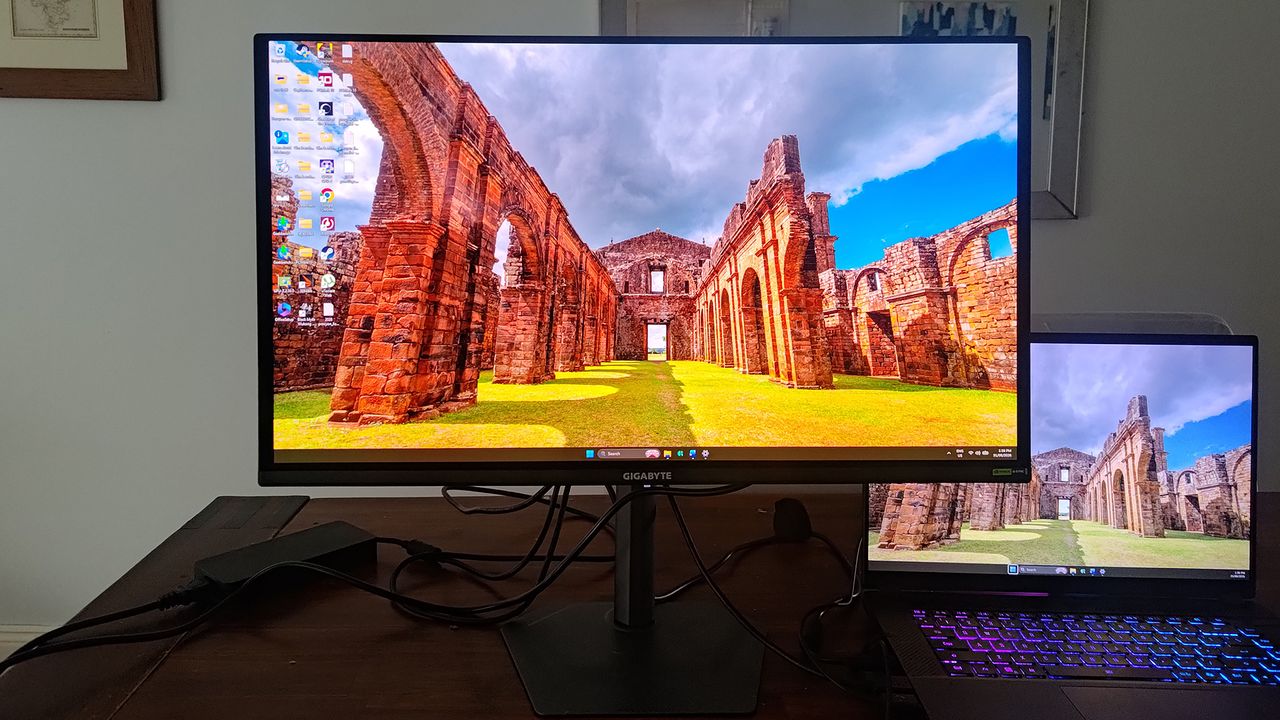
Gigabyte’s affordable 27-inch gaming monitor might not be dripping in RGB and aggressive pointy bits but it’s got it where it counts. The fast, glossy, 1440p QD-OLED screen is great for all kinds of gaming but it’s not the best choice for those who also want it for all-day office work.
PC Gamer's got your back
Our experienced team dedicates many hours to every review, to really get to the heart of what matters most to you. Find out more about how we evaluate games and hardware.
We’ve been reviewing some silly-priced gaming monitors in recent times but, some of the latest-and-greatest models wield premium features that are unnecessary for many buyers. Gigabyte’s GO27Q24A strives to keep things simple by stripping-away some of the less-universally popular, expensive technologies to produce a spartan gaming monitor that focuses on the category’s most-important facets, to keep the price down. Gigabyte has successfully done this before using WOLED and Tandem OLED panels in the same range, so how will this QD-OLED model fare?
Assembling the Gigabyte GO27Q24A is simple: the stem clips to the screen and the stand uses a single thumbscrew to attach to the stem without any tools being needed.
The stand is the same, solid, small-footprint unit that Gigabyte’s premium monitors use and it lets competitive types sit right up close to the screen. The stem is also the same seen on its superior siblings and affords a generous degree of manipulation to get the screen sitting just so: there’s -5°~+21° tilt, ±15° swivel and 90° pivot. There’s also 13 cm of height adjustment. Impressive.
Samsung QD-OLED panel, 2x HDMI 2.1, DisplayPort 1.4, 1x 3.5mm audio jack
✅ You want an affordable, fast QD-OLED gaming monitor: It might not be the brightest, but this fast, colourful, 1,440p display doesn’t put a foot wrong when gaming.
❌ You want an all-purpose monitor for work, too: While the screen is usable for office tasks, its glossy finish is prone to reflections and text isn’t the sharpest.
All that comes in the box is a cable-tidy clip that attaches to the stem, and a DisplayPort cable (I rather feel an HDMI cable would be more universally useful). Still, you don’t actually need many cables as there aren’t many places to stick ’em—there are just two HDMI 2.1 ports, a DisplayPort 1.4 port and a headphone jack. Forget your USB-C, KVM hub and optical ports. There’s also no RGB. We’re on a cost-saving mission, here.
Once up and running, you’re presented with a 27-inch, 1440p Windows Desktop that offers plenty of real-estate for work, but displays text that’s a smidge spidery for all-day office use in this day and age—people who often squint at spreadsheets would be better served elsewhere. But, this monitor isn’t for them.