// 9TO5MAC — MOBILE & WEB
macOS 27 RC now available, here’s how to install it
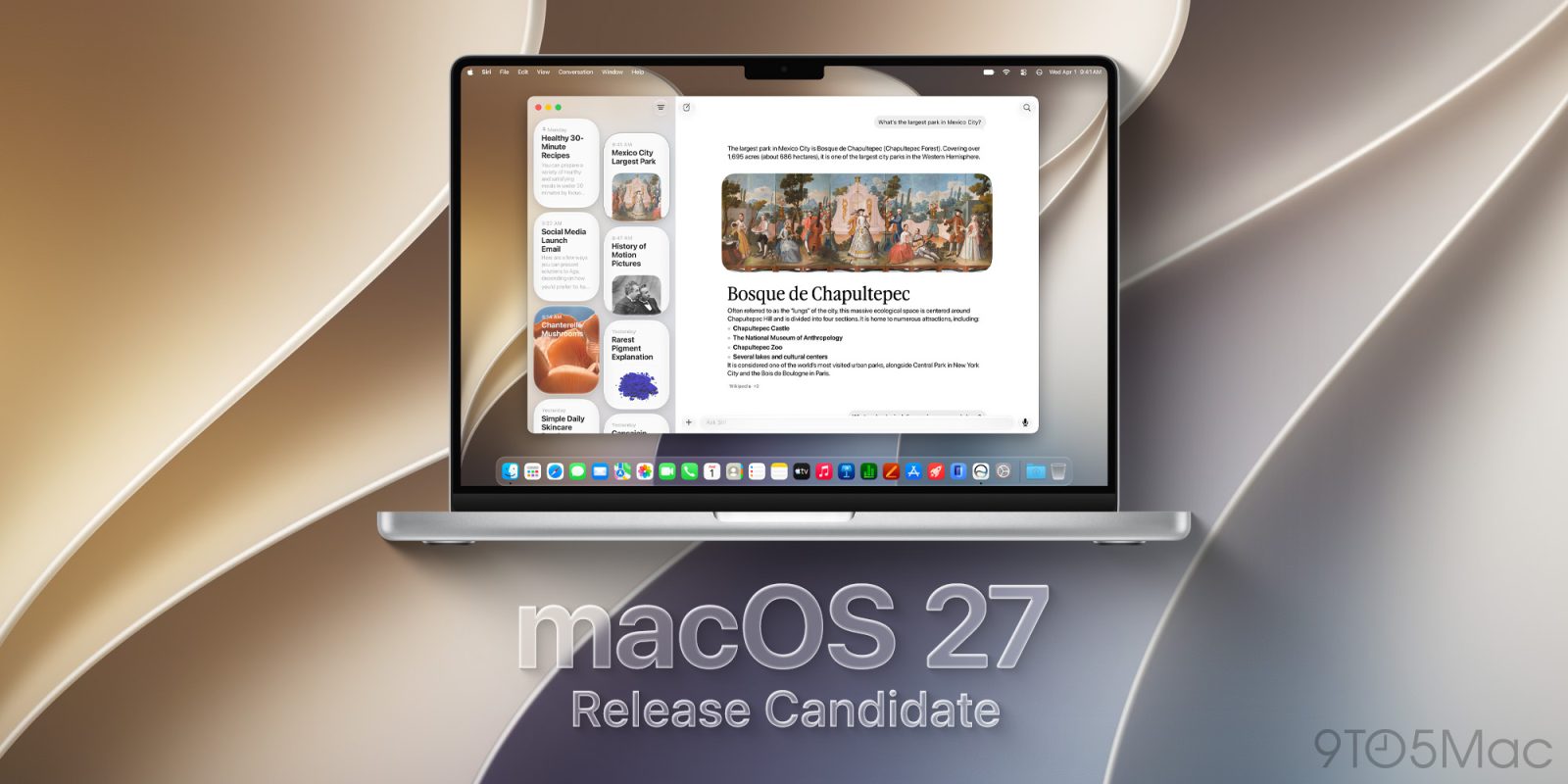
With the “Surprise and Shine” event now in the books, Apple is now rolling out the first developer and public Release Candidate of macOS 27 Golden Gate ahead of the operating system’s public launch. Here are the details.
With the official release of macOS 27 Golden Gate fast approaching, Apple has now moved the operating system into the Release Candidate stage, signaling that development of the initial release is essentially complete. The macOS 27 RC is now rolling out to developers. Here are the details.
While macOS 27 Golden Gate beta 8 didn’t include any notable user-facing changes, beta 6 introduced redesigned traffic light window controls with a more Liquid Glass-like appearance.
Apple's new macOS window controls pic.twitter.com/pYkwgHXKRl
At this stage of the beta cycle, Apple appears to be increasingly focused on bug fixes, performance improvements, and other under-the-hood changes ahead of macOS 27’s public release.
macOS 27 Golden Gate introduces the new Siri app alongside Apple’s revamped Siri AI, as well as an AI-powered Shortcuts app that can create shortcuts from natural-language prompts. Safari also gains a prompt-based extension builder.
The update additionally includes new Golden Gate-themed wallpapers and screensavers, while restoring fixed-radius corners for windows and apps after macOS 26 introduced dynamically changing corner radii.
The release build for macOS 27 RC 1 is 26A5428. We’re digging through the release and will report back if we find anything new.
Here’s how to install the first macOS 27 Golden Release Candidate:
For 9to5Mac’s full coverage of Apple’s “Surprise and Shine” event, follow this link.