// 9TO5MAC — MOBILE & WEB
Why watchOS 27 removes the useful multitasking feature on Apple Watch
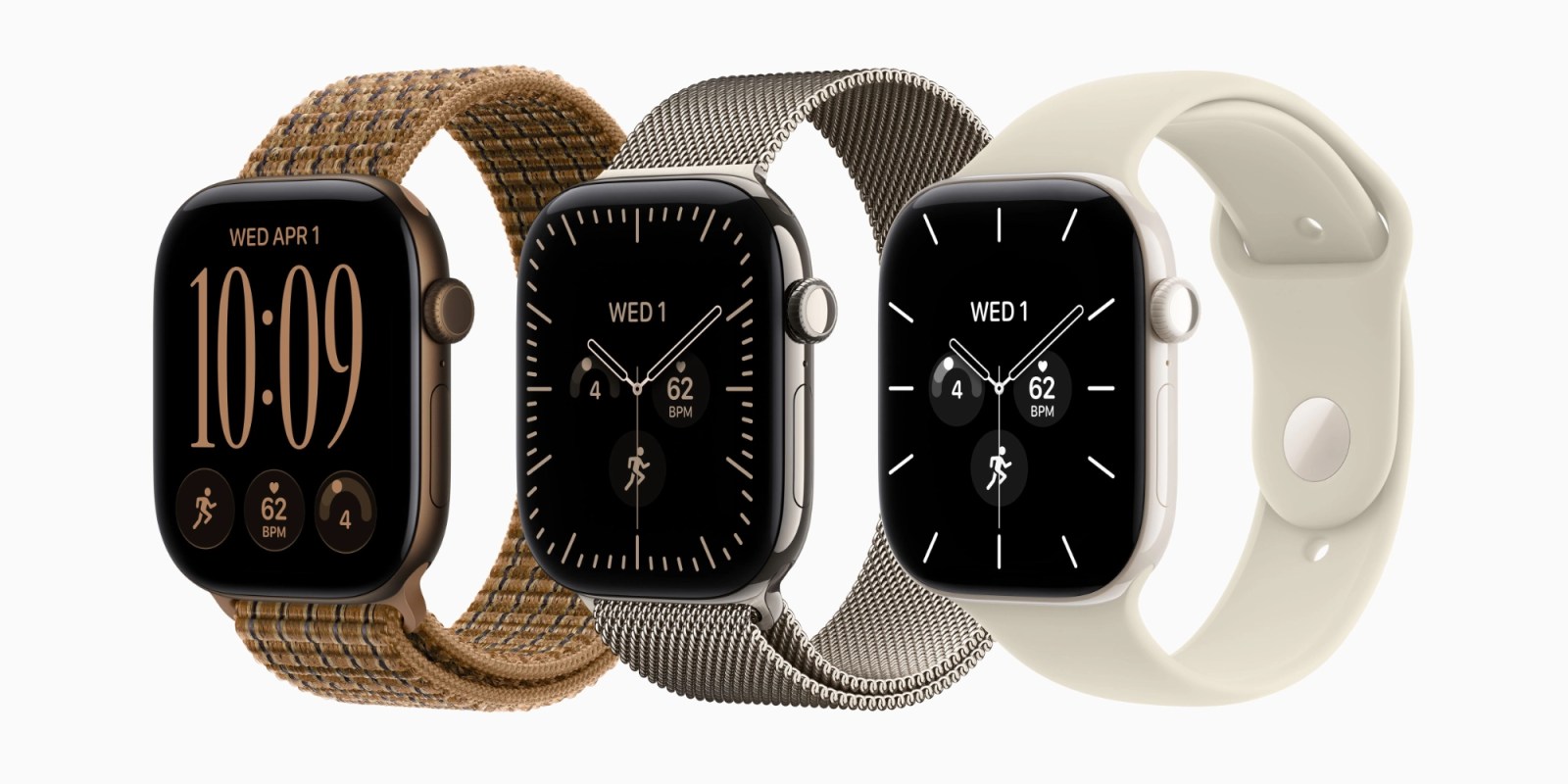
watchOS 27 removes a useful multitasking shortcut from Apple Watch. While we don’t know if it will make a return, we at least now know why the gesture was removed.
Prior to updating to watchOS 27, Apple Watch Series 11, Ultra 3, and SE 3 support a shortcut for jumping between apps.
You can double-click the Digital Crown to instantly switch between the current app and the previously used app. It also works for jumping between the watch face and the last viewed app.
It’s great for quickly switching contexts with just muscle memory and not tapping the display.
But, as we’ve flagged a few times, the double-click gesture is gone from watchOS 27.
The reason in part is a hardware-specific feature that’s coming to Apple Watch Series 12 and Ultra 4 later this year.
Apple announced last week that Live Rewind, a feature that provides a 15-second transcript of spoken audio, is coming to the new watches. It’s part of the Audio Intelligence feature set that includes Siri Recap as well.
The way to invoke Live Rewind is by double-clicking the Digital Crown.
That explains why the gesture was freed up for watchOS 27. However, it’s not an especially satisfying explanation for a few reasons.
First, what about Apple Watches without Live Rewind? The gesture just opens the new dynamic app grid — same as a single click.