// 9TO5GOOGLE — MOBILE & WEB
Android Auto update lets you customize your Google Maps ‘driving avatar’ via car display
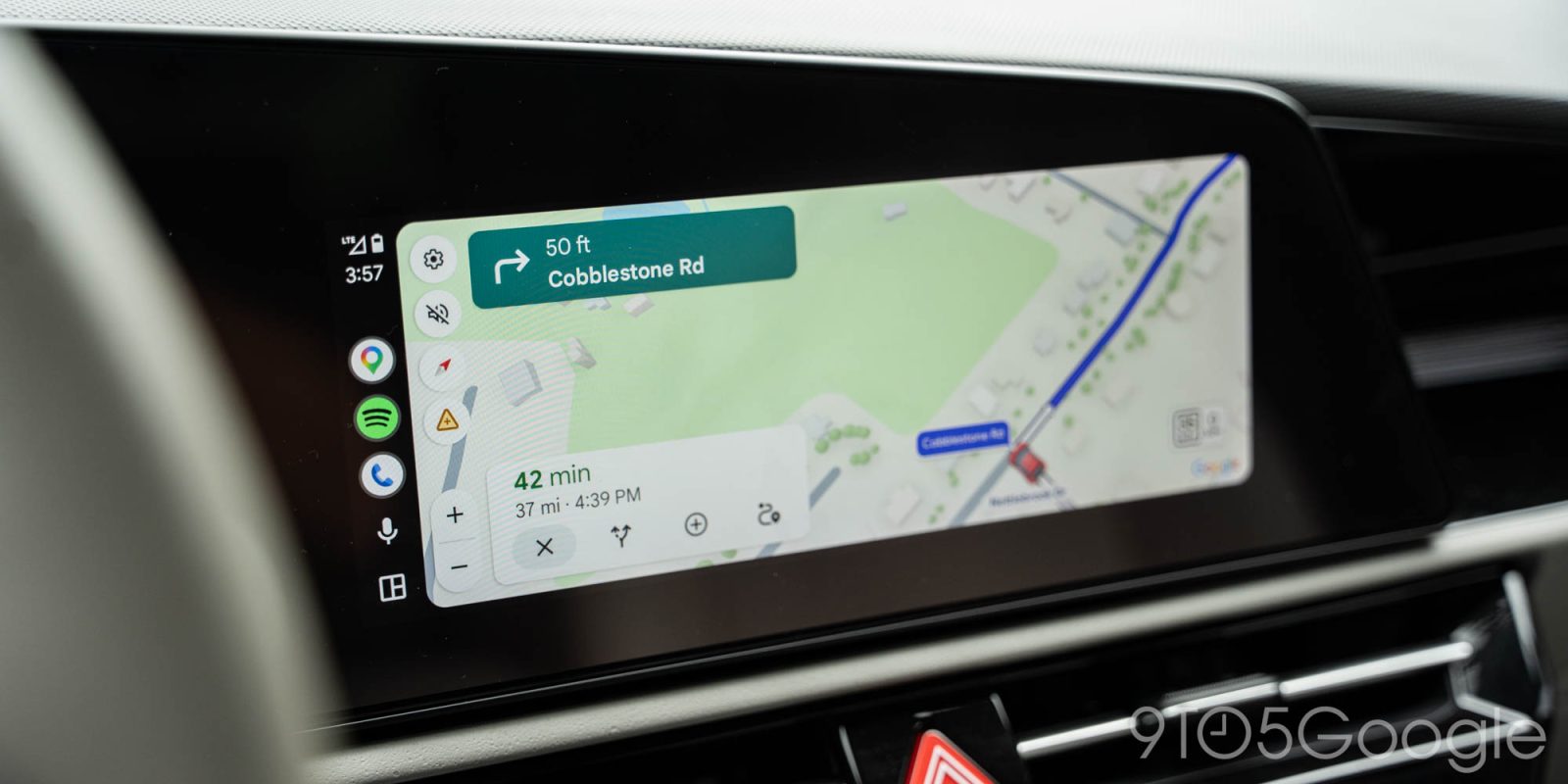
Google is rolling out an update for Maps on Android Auto that gives users the ability to edit their “driving avatar” directly from the car’s display.
The ability to change the classic blue arrow navigation icon in Google Maps itself is not new, but it’s only been available on car displays for about a year. In May 2025, Google Maps rolled out support for showing your chosen icon on Android Auto and CarPlay, but it needed to be set on the phone itself.
Now, Google is rolling out an on-car picker for your Google Maps “driving avatar” on Android Auto.
The change is rather simple. Through Google Maps on Android Auto, a new “driving avatar” setting appears alongside settings for home/work and alerts. Tapping it gives you the option to pick your avatar and change it to the color of your choice. It’s the same functionality found on your phone, just now accessible directly via the car’s display.
This appears to be going live with a server-side update. Android Authority spotted the change with Android Auto 17.8.163744 and Google Maps 26.38.01.980791571 but, despite using those same versions, we’re not seeing the option just yet. Sound off in the comments below if you have it.
In our teardown of Android Auto 17.8, we also noticed that Google has removed the neat little “Jimothy” Easter egg which, as we predicted, was clearly never meant for a public-facing rollout.
Follow Ben: Twitter/X, Threads, Bluesky, and Instagram
FTC: We use income earning auto affiliate links. More.