// HACKER NEWS — CYBERSECURITY
Excel now supports multiple values in a single cell
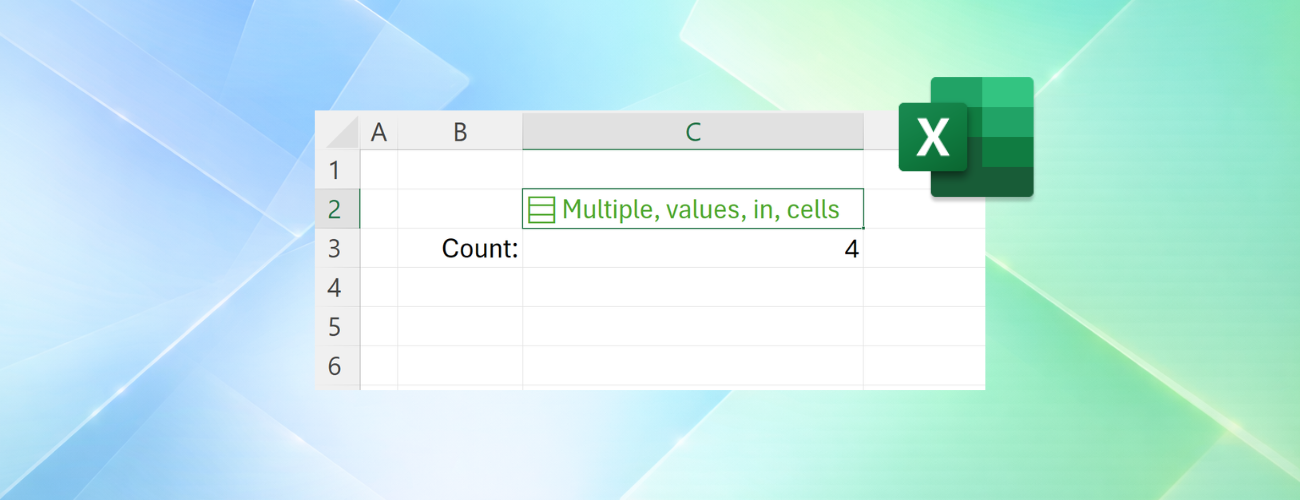
Project trackers, surveys, inventory lists, and customer databases often contain related information that belongs together: multiple owners, tags, locations, or responses.
For years, organizing that information in Excel meant spreading it across additional rows and columns or combining everything into text that was difficult to work with.
Available today in Insiders Beta, lists, arrays in cells, and nested arrays introduce new ways to store and organize related information, helping you keep data together without sacrificing filtering, calculations, or analysis.
Let's explore these new functionalities in the context of a project tracker.
Each project may have multiple owners, workstreams, and milestones. Traditionally, you'd need separate columns, helper tables, or text like "Carlos, Henrietta, Jacob" packed into a single cell.
With lists, you can keep those values together in one cell while still working with each item individually. Project owners stay connected to the project they belong to, while remaining available for filtering, calculations, and analysis.
Keeping project owners together is just the beginning.
Projects often contain other groups of related information, such as milestone dates, deployment locations, or open risks. Often, that information is generated by formulas rather than entered manually.
Traditionally, formulas that returned multiple results would spill those results across multiple cells. With arrays in cells, those results can remain together in a single cell while still being available for calculations and analysis.
Sometimes the information associated with a project has structure of its own.