// 9TO5GOOGLE — MOBILE & WEB
The first thing you should do on Googlebook is fix the trackpad
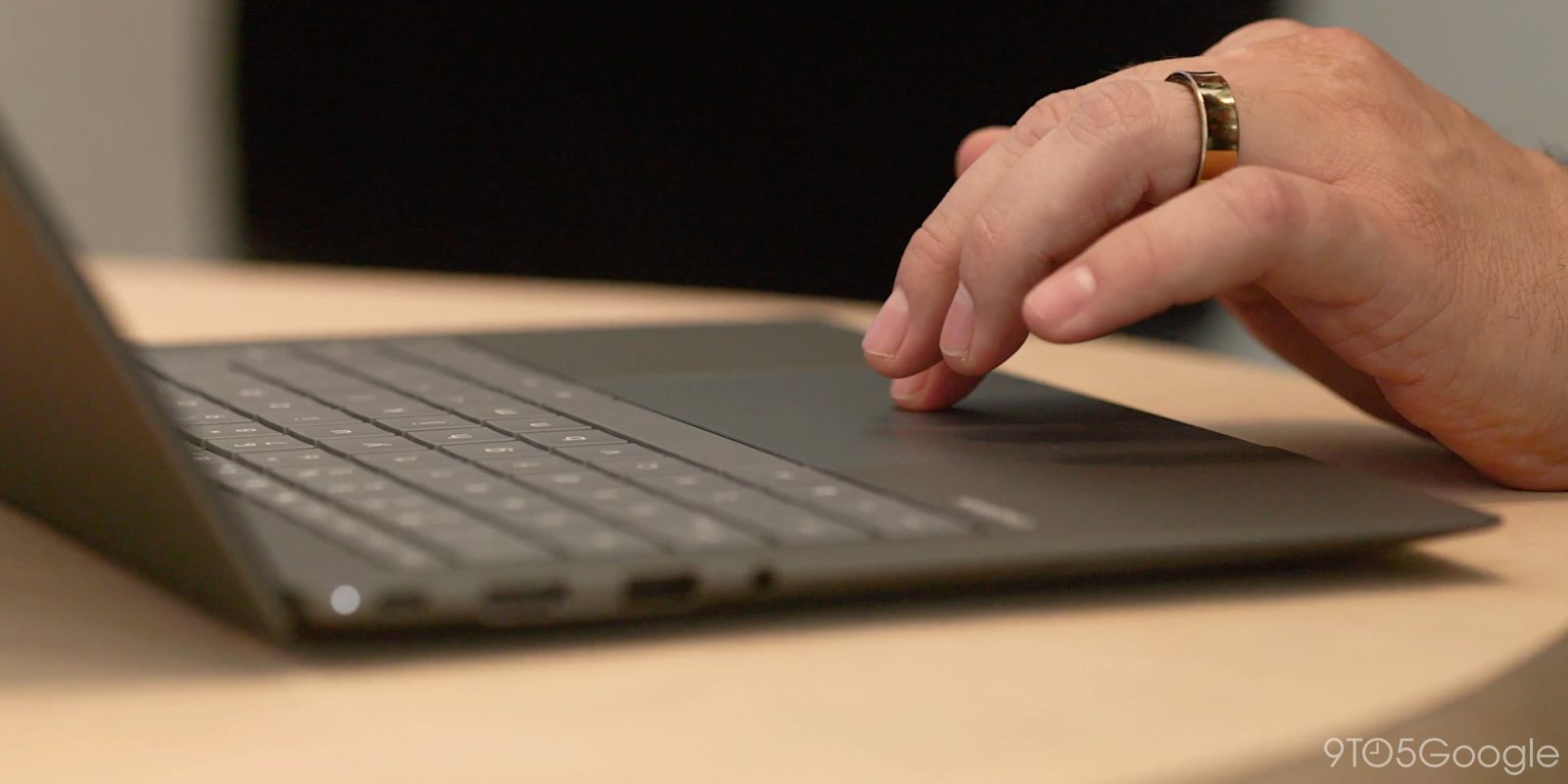
If you are an early Googlebook buyer, you should know that one of the first changes you should make on one of these new machines is to adjust the trackpad speed, because it’s a bit frustrating out of the box.
Every Googlebook in this initial wave comes with a haptic trackpad, but they also seem to have a slight headache out of the box.
“Touchpad accleration” on Googlebook, at least by default, is considerably slower than other platforms such as Windows and macOS. It’s something that we’ve all noticed here on the 9to5Google team as we’ve started using Googlebook machines this week across multiple models. It’s far from unusable, but it’s very jarring compared to any other laptop you might go buy at the store today.
Luckily, it can be fixed fairly easily. Go to Settings > Device & accessories > Touchpad > Cursor speed and you’ll be able to adjust the setting to your preferences. For me, that meant maxing it out to get something more akin to my other machines.
You’ll have to complete inital setup before you can adjust this setting.
Follow Ben: Twitter/X, Threads, Bluesky, and Instagram
FTC: We use income earning auto affiliate links. More.