// 9TO5MAC — MOBILE & WEB
HomeView can display third-party widgets from your iPhone
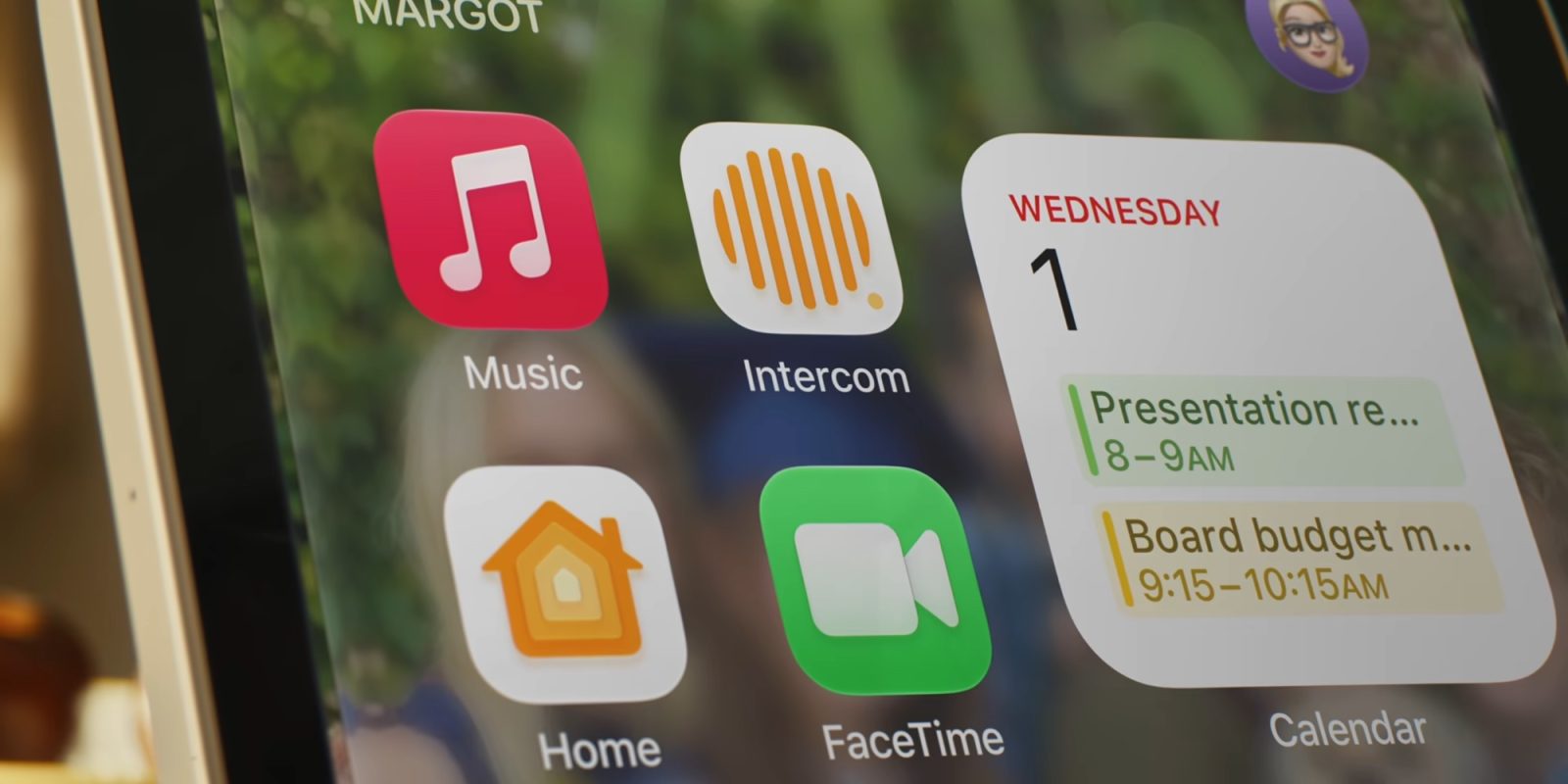
Apple’s new HomeView (pre-order here) won’t have an App Store, but it will support third-party apps in some cases, including letting you run third-party widgets from your iPhone. Here are the details.
When Apple’s HomeView was unveiled yesterday, the company didn’t say much about its support for third-party apps. But today the device’s app story is becoming more clear.
In addition to being able to run third-party audio and video apps—likely to include favorites like Spotify, Audible, YouTube, and Netflix—Apple now says widgets are supported too.
6.4.1 iOS Application Widgets on CarPlay and Apple HomeViewYou agree that Your iOS Application widget may be made available on CarPlay and Apple HomeView. Furthermore, You are responsible for determining whether Your iOS Application widget is functional and suitable to use for CarPlay, and for using the disfavoredLocations function to disfavor Your iOS Application widget if it is not. For example, iOS Application widgets that are not functional or suitable include those that require extensive user interaction while driving, or that require the iPhone to be unlocked to be used.
CarPlay and HomeView are mentioned in tandem because third-party CarPlay apps in the audio and video categories will be available on HomeView too.
But for widgets, supported third-party HomeView widgets will be much broader than just those two categories.
That’s because any iOS app can provide widgets to CarPlay, and thus those same widgets will be able to support HomeView too.
Widgets first came to CarPlay with iOS 26 last year, and include popular third-party widgets from Amazon, ChatGPT, Instagram, and more.
Based on Apple’s documentation, these iOS widgets will be available on HomeView too unless explicitly excluded by the developers.
You can pre-order HomeView starting at $289 for select models.