// ITS FOSS — LINUX & OPEN SOURCE
RAID Calculator
Same drives, different layouts. This is usually the decision that matters most.
Here is a brief explanation of the terms used on this online RAID calculator.
Data is split into chunks and written across several drives at once. It is fast because every drive works in parallel, but nothing is stored twice, so losing one drive loses everything. This is RAID 0.
The same data is written to two or more drives. If one dies, another still has a complete copy. Simple and safe, but you only get the space of one drive per mirror. This is RAID 1.
Extra data calculated from your files, like the answer to a sum. If one number goes missing, you can work it out from the rest. Parity lets the array recreate a failed drive without keeping a full copy, so it costs less space than mirroring.
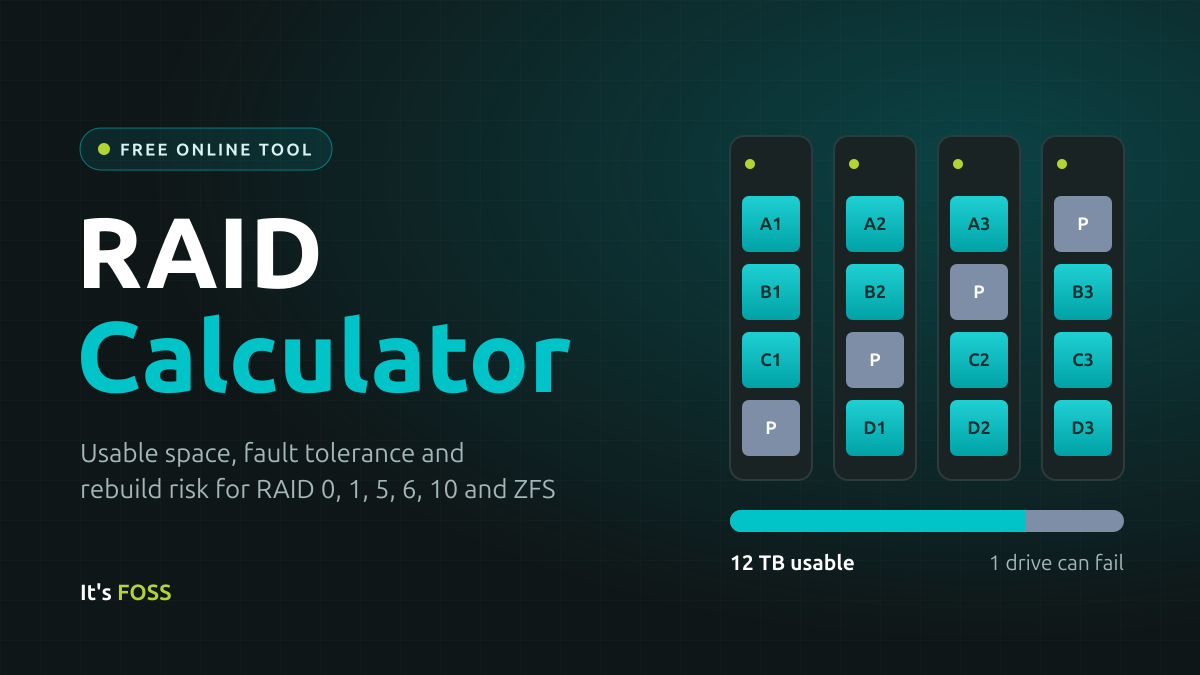
One drive's worth of space holds parity, spread across all drives. The array survives one failed drive. RAID 5 and RAIDZ1 work this way.
Two drives' worth of parity, so any two drives can fail. That includes a second drive dying while the first is being replaced, which is when it is most likely. RAID 6 and RAIDZ2 work this way; RAIDZ3 adds a third.
Drives are paired into mirrors, then data is striped across the pairs. You get the speed of striping and the quick recovery of mirrors, but only half the raw space. This is RAID 10.
After you replace a failed drive, the array recreates its data by reading the other drives. ZFS calls this a resilver. Until it finishes, the array has less protection than usual.
Traditional RAID, from a hardware card or Linux's mdadm, only sees blocks of data and cannot tell if a block has gone bad. ZFS is a filesystem and RAID manager in one. It checksums every block, so it spots silent corruption and repairs it from the redundant copy. It only rebuilds the space actually in use, and a read error usually costs one file rather than the whole array. In return, it likes plenty of RAM, and growing a pool is less flexible: adding a single drive to an existing RAIDZ only arrived in OpenZFS 2.3.