// ITS FOSS — LINUX & OPEN SOURCE
RAID Calculator
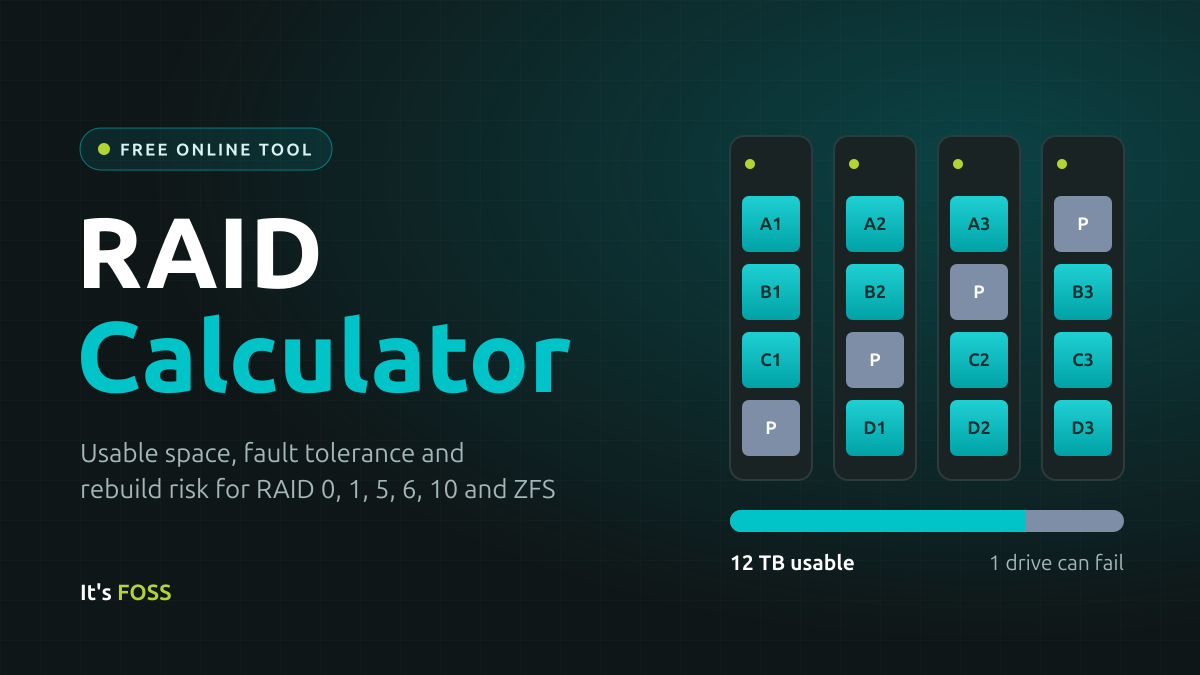
You can save a configuration or copy a link to share it. Saving and sharing both basically mean the RAID calculator is filled with the values you have selected. Data doesn't leave the browser.
N is the number of drives and S is the size of the smallest drive.
RAID 10 can survive more than one failure, but only if each failed drive comes from a different mirror pair. If both drives in the same pair die, the array is gone. That is why the calculator counts it as one guaranteed failure.
When a drive fails, the array has to read every surviving drive in full to rebuild it. The calculator multiplies the data read by the drive’s URE rating to estimate the chance of hitting at least one unreadable sector along the way.
Take four 8 TB drives in RAID 5. A rebuild reads the three surviving drives, which is 24 TB or about 1.9 × 10¹⁴ bits. With consumer drives rated at 1 error per 10¹⁴ bits, the spec sheet says the chance of at least one error is around 85%. With NAS drives rated at 10¹⁵, it drops to around 17%.
Real drives usually beat their rating, so treat this as a worst case. It still explains why RAID 6 and RAIDZ2 are the usual advice for big drives. A second parity drive means one bad sector during a rebuild costs you nothing.
Yes, for the standard RAID levels. QNAP, UGREEN and Synology all use Linux software RAID underneath, so RAID 1, 5, 6 and 10 give the same usable capacity shown here. For TrueNAS, use the ZFS mirror and RAIDZ options.
It shows capacity and redundancy, not speed. Real performance depends on your controller, drives and workload. The figures are also before filesystem overhead. ZFS reserves a little over 3% of a pool as slop space, and your OS shows sizes in TiB, so expect the free space you actually see to be lower.
Here is a brief explanation of the terms used on this online RAID calculator.
Data is split into chunks and written across several drives at once. It is fast because every drive works in parallel, but nothing is stored twice, so losing one drive loses everything. This is RAID 0.