// 9TO5MAC — MOBILE & WEB
Hands-on time with the iPhone Duo still leaves me wowed
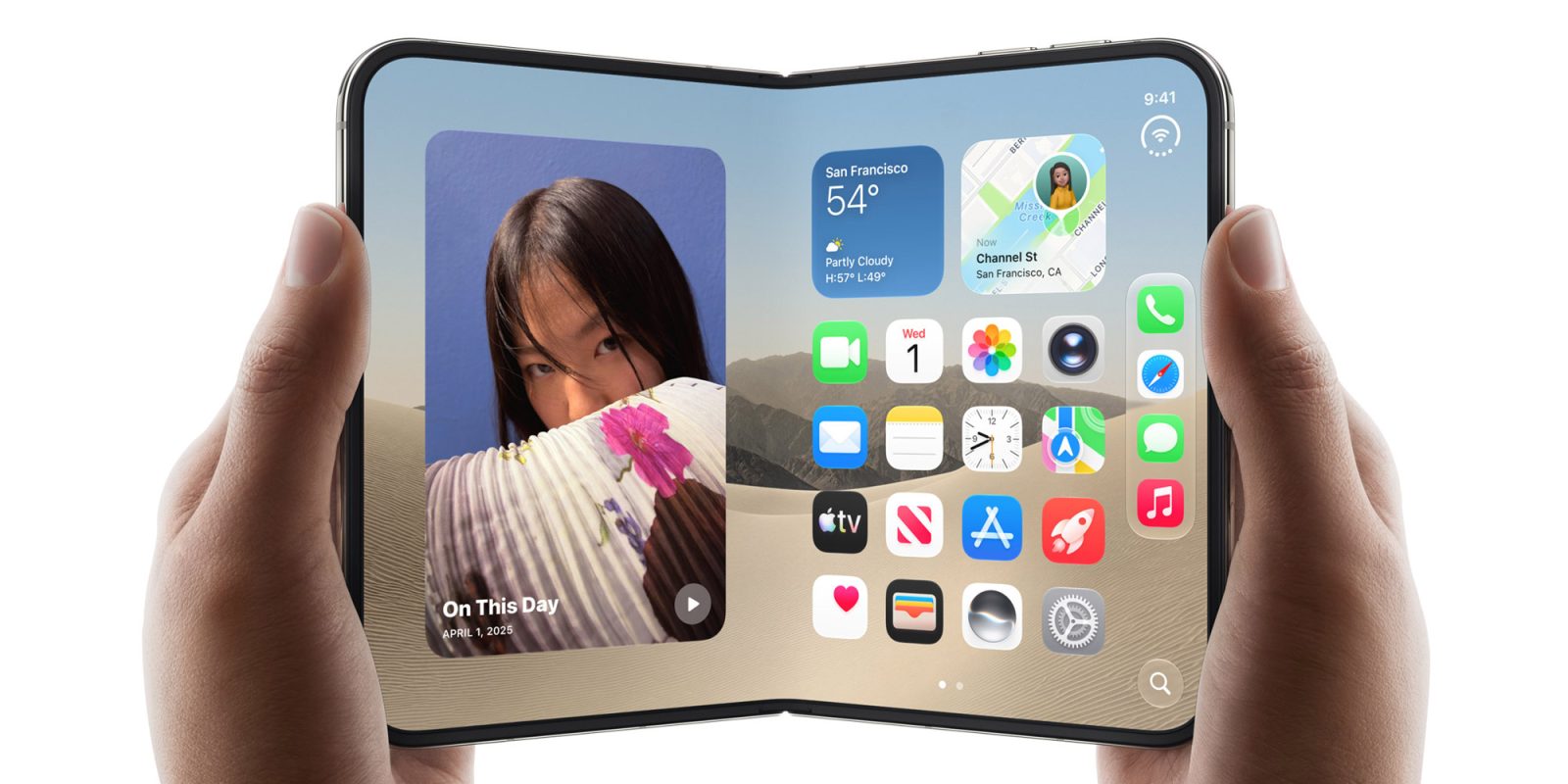
There are devices you need in your life, others for which you can put together a convincing justification – and then there are gadgets you quite simply want.
I said last month that I was wowed by the launch video for the iPhone Duo, despite it falling very clearly into the latter category for me – and playing with one hasn’t changed that in the slightest …
I had a very un-British reaction to the video for the new device.
I had extremely high expectations for this device yet was still blown away by just how good it appears to be. I’m British; the only time we ever use the word “wow” is sarcastically – but I still had to open this piece with it, without a trace of sarcasm.
This device isn’t the best match for me. To me, an iPhone is about 50% ultra-slim camera, 49% pocket computer, and 1% phone. The iPhone 18 Pro is a better device for my needs. However, I was experiencing extreme levels of technolust for the iPhone Duo. I’m not the target market for the iPhone Duo, but I do, absolutely, unquestionably want one.
I this week got a chance to visit an Apple store to spend about half an hour playing with the new device, and that did absolutely nothing to reduce my technolust.
The first thing to say is that the nanotexture surface of the inner display is gorgeous, and my quick snapshots don’t remotely do justice to it. Although intended primarily to disguise the crease, I found it a really beautiful screen. When looking at content with a white background, it’s really paper-like.
Indeed, once I’d been looking at it for a while, it was actually quite jarring to fold the Duo and see the glossy screen on the outside – all the more so when it showed reflections which were not at all visible on the inner display.
I honestly think Apple should have used nano-texture on the outer screen too, and even offer it as an option on other iPhones.
The iPhone Duo of course offers a split-screen view, with a new gesture to invoke it. Even in the very short time I was using the device, I found this almost immediately became second nature. From the home screen you simply drag an app up a little and then either left or right and it snaps into place.