// ENGADGET — INTELLIGENZA ARTIFICIALE
6 Google Maps features that work better on Android Auto vs. CarPlay
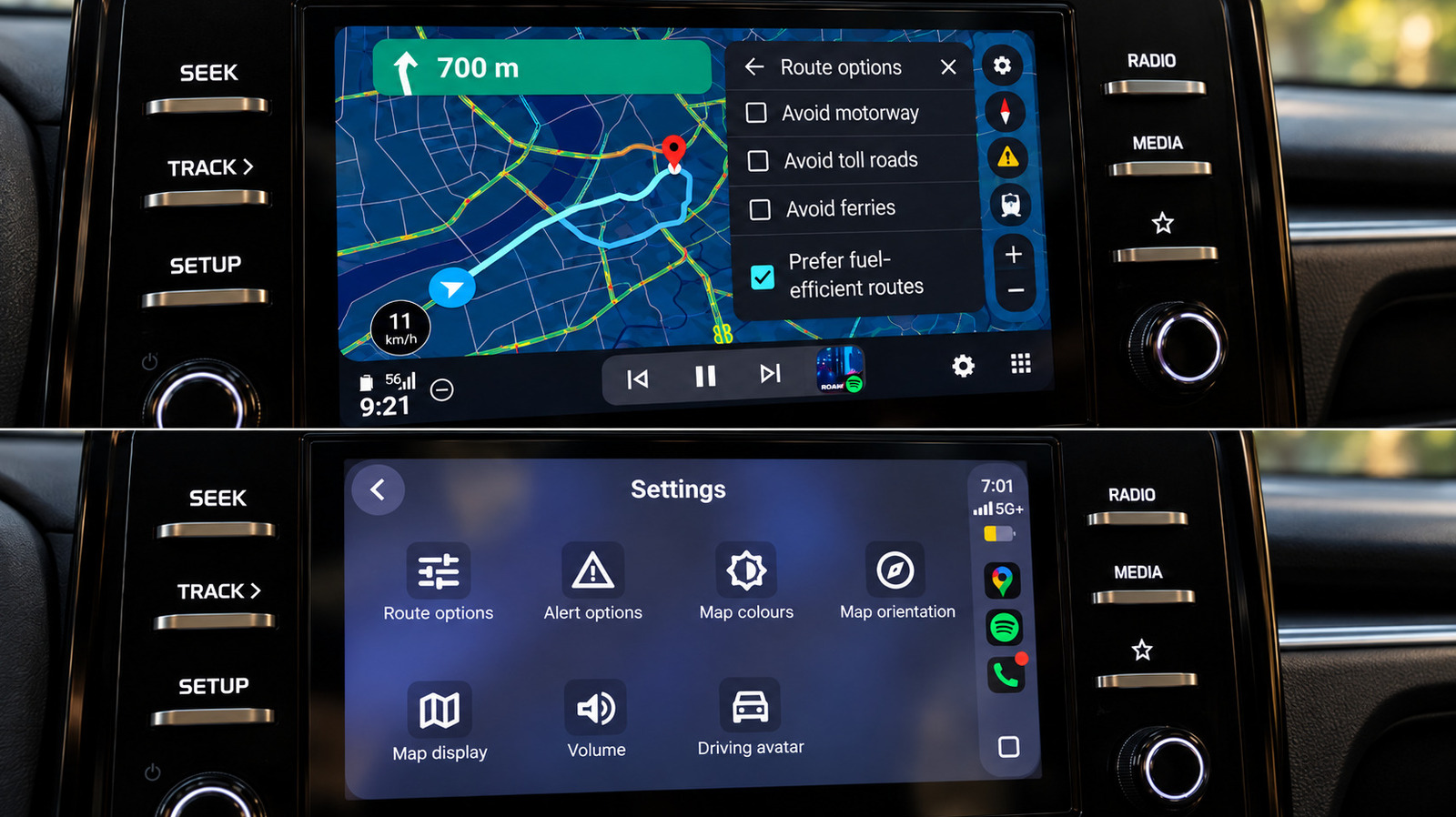
I tested Google Maps on both systems in the same car, and Android Auto made several everyday navigation tasks noticeably easier.
Google Maps is available on both Android Auto and Apple CarPlay, but it's not the same experience — even when using the same app in the same car. I performed identical searches, route changes and simple navigation tasks back to back on both systems using the same infotainment screen.
Generally speaking, the fundamentals are close. Both provided me with a speedometer, lane guidance, incident reporting and alternative-route suggestions, as well as the standard controls for avoiding tolls, highways and ferries. The differences were much more apparent after I began using Maps for more than just getting from A to B.
The benefits of Android Auto range from minor interface details to features that still work better there than on Apple's offering. CarPlay does recover a few points, but Google Maps generally feels more at home on Google's own platform. Shocking, I know.
The clearest difference is how Gemini is accessed, and it still gives Android Auto an edge in two areas.
First, Gemini is easier to invoke on Android Auto. I could start talking to it without touching the screen. Late in my testing, a Gemini button also appeared in Google Maps on CarPlay, and it handled conversational searches and follow-ups once I tapped it. However, I couldn't summon it hands-free there. At the time of testing, Google's own help page still said Gemini wasn't available for CarPlay.
Second, route changes felt quicker on Android Auto. I asked it to locate a fuel stop on my route, then requested a pharmacy without reopening the conversation, and when I asked if there were other ways to get home, the options were immediately displayed. Gemini can search along a route, refine the results, add stops and show alternative routes. CarPlay could handle the same kinds of requests once Gemini was open, but it was noticeably slower in my test.
But it wasn't magic all the time. Gemini sometimes hung on a loading screen and failed to connect once during my test. However, being able to start those interactions without reaching for the display remains a significant benefit when the display is in the center of your dashboard, as it is in my 2025 Kia Sonet.
The third advantage became obvious when I was looking for places along a route. In my test, Maps showed me a number of options along with ratings and the additional time each option would take. Picking between a stop that's one minute away and another that adds six shouldn't require detective work.
CarPlay displays a series of results, one at a time, and has Previous and Next controls to scroll through the results. It can still provide valuable information like gas prices and detour times, but it takes more effort to compare several options.