// ENGADGET — MONDO
Improve your Amazon Kindle experience by doing these simple things
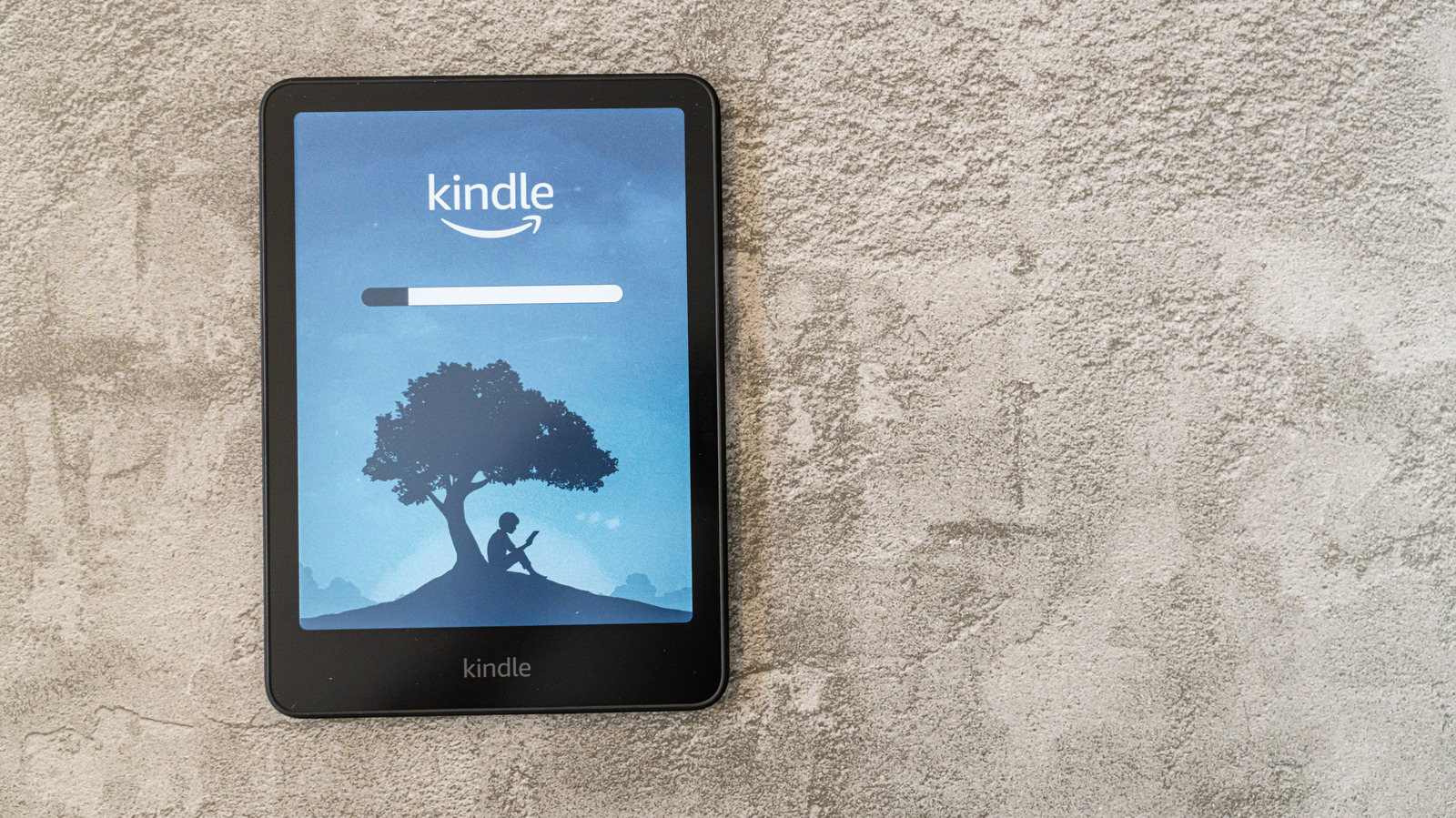
Changing a few settings can make your Kindle feel more book-like.
We may receive a commission on purchases made from links.
As ebook and ereader technologies continue to evolve, the actual process of reading a book on a device has also begun to take on some rather fascinating changes. Though there are always going to be detractors who prefer the act of holding a physical book, products like the Amazon Kindle have done their part in making the hobby more accessible than ever before.
Sometimes, though, you may come to the realization that the sterile, almost inhuman feeling of reading a book on a Kindle can harsh your cozy vibe. It's something that has plagued the digital book market for years, but thanks to a few handy little upgrades and modifications, you can make reading a Kindle book feel like something far more compelling.
The ebook scene is one that's got its fair share of competitors, but if you are reading a lot of digital books, it's likely that you have one of Amazon's range of Kindle models. To help spiff up your days catching up on reading, we've put together a comprehensive look at how you can make that experience even more enjoyable.
If you already have a Kindle, or have plans to get one, you may want to know which models can do certain things from within the ereader itself. For changing how the Kindle looks and operates on its screen, Amazon offers quite a lot of customization that you may have never even messed around with before.
A common complaint about digital books is that they are, in fact, digital books. The actual weight and feeling of reading a book that's in your hands is gone, but if you're willing to part with some cash, you can change that up pretty easily.
They're a bit on the pricier side, but there are so many cases online that can make the Kindle look like a book. There are some genuinely charming and beautiful designs, many of which can help evoke the texts of yesteryear that made you fall in love with books to begin with. A quick Amazon search for "Kindle book cover" will get you started.
When you have a book open on your Kindle, you have a lot of ways to change how each one looks. Nearly all of them will allow you to change the display to fit a book-style criteria, and one of the easiest ways to do that is by changing the font to something that looks more book-like.
With a book open, look for the Aa symbol at the top. This will allow you to open the settings for that book, and by navigating to Font Family in the Font menu, you can change it to something that feels more appropriate. If you want something that is more traditional and less computer-like, a serif font like Baskerville or Palatino will be a great help.