// ENGADGET — INTELLIGENZA ARTIFICIALE
5 clever things you can still do with an old DVD or CD player
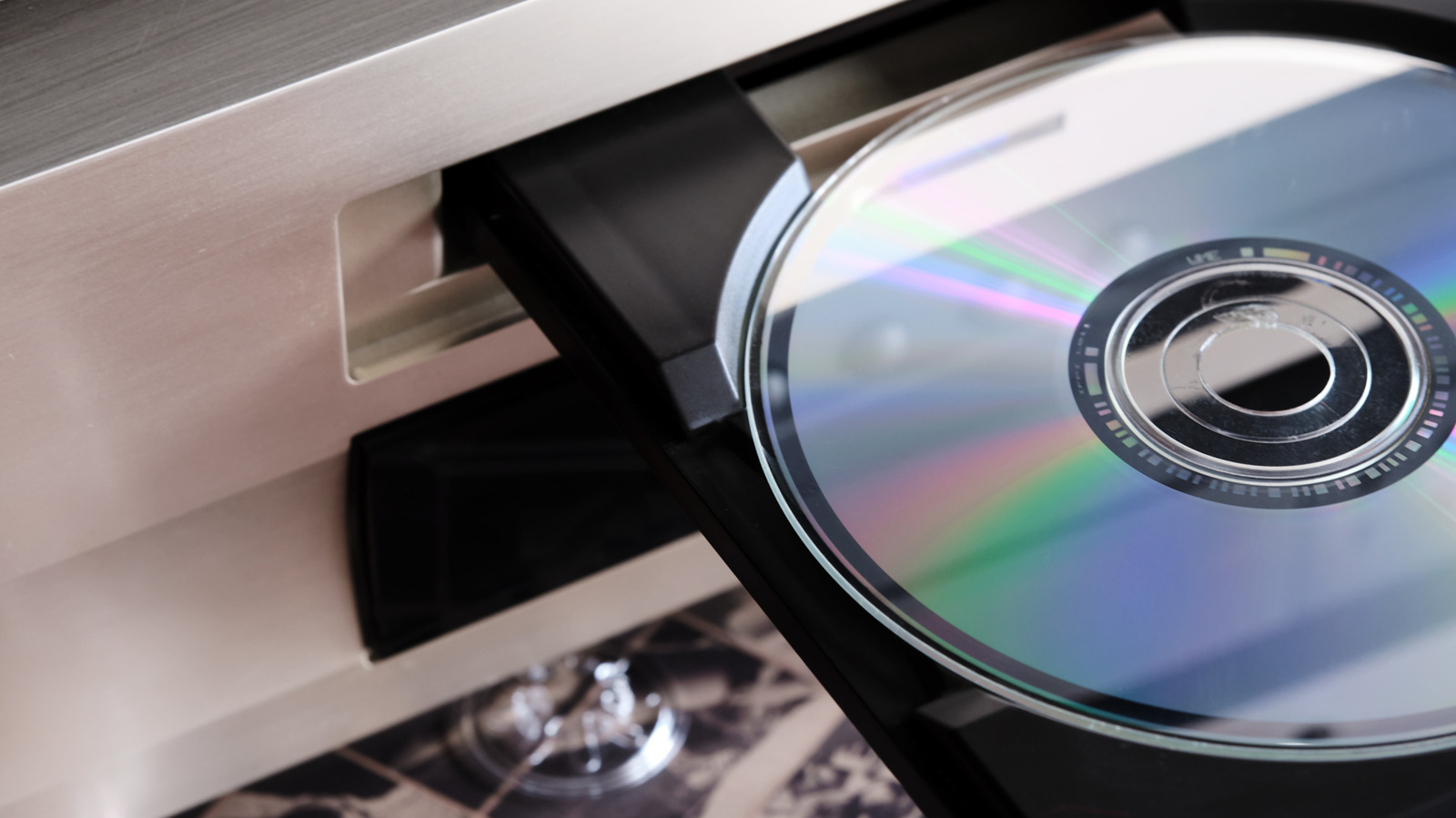
If you don't have discs to play, they can make for clever fodder for DIY projects.
Old tech has a way of hanging around. You might have a drawer of chargers and cables from outdated devices, or a box of your former phones. There could even be a laptop or two tucked away in a closet. In the age of streaming services, you might also have an old CD or DVD player collecting dust somewhere in your home.
Luckily, enterprising folks on the internet have been working on creative ways to repurpose old CD and DVD players, or at least parts of them, and turn them into a variety of projects. These DIY efforts range in their level of difficulty and skill required to produce. But, if you're handy and already comfortable with electronics, you might glean some inspiration and finally give that old DVD or CD player some new life.
Plus, tackling one of these projects might be another way to keep old electronics out of the landfill and cut down on the amount of e-waste you're producing. Here are five clever things you can still do with an old DVD or CD player.
If you're into photography, there's a relatively easy way to turn the lens from an old DVD player into a macro lens you can use on your phone. Macro photography shows small subjects up close, like a bumblebee on a flower. While this particular tutorial might not get you into the pages of National Geographic, it could be a fun way to play around with what you shoot.
YouTuber Raj K Photo shows how to use a screwdriver and adhesive putty to get the job done. It's as simple as prying out the lens, and wrapping a thin coil of putty around the lens to affix it to your phone's camera. The video notes that you have to get pretty close to the subject to get in focus, but the lens is powerful enough to see the cell structure of a layer of onion and the dirt and grooves on a coin.
If you or someone you know is interested in robotics, but isn't exactly ready to join Boston Dynamics, there are more than a few tutorials online that will show you how to use the motors inside a device like a DVD or CD player to build a simple robot. For example, Blackfish, which offers tutorials and templates for projects, has a template for a cardboard robot who can walk around using a DC motor, an on-off switch, a plastic pulley and a battery. While you might have to purchase the pulley, switch and battery, you can find a DC motor inside your CD or DVD player. Blackfish Space has a video, too, that walks you through assembly.
There's also a tutorial from the YouTube account GrandadIsAnOldMan, which shows how to take the drive from a DVD player and create what he calls an Inchworm CrawlerBot. Essentially, the CrawlerBot uses the motion of the tray opening and closing, driven by its motors, to move itself while on wheels. This project requires a few more parts than the walking robot project, like four VHS cassette spools (in case you're old enough to have those lying around, too), barbecue skewers, a toggle switch, a hot glue gun and a soldering iron, to name a few. He also links to two other iterations of the CrawlerBot.
On the more complicated end of the DIY spectrum, you can use old CD and DVD players to make your own CNC laser engraver of varying sizes. A CNC laser engraver is a machine that can etch, carve or mill on a hard surface like wood, metal or glass, using digital instructions. You might use this method to put a custom image or text on something.
In particular, Autodesk Instructables features YouTuber How To Do's 8-step guide to making one such CNC laser engraver, which uses two optical drives from either a CD or DVD player, as well as an Arduino board, which is an "open-source electronics platform" that will serve as the "brain" of the machine, according to the instructions. In the video description on YouTube, you can see a list of materials with links. Since the video is about 9 years old, not all the links might work. You also might note that the creator uses more than a few shop tools. He says t