// PC GAMER — GAMING
Marvel Tōkon's developer has apologised to PC players for the beta's performance issues, with only a week until launch
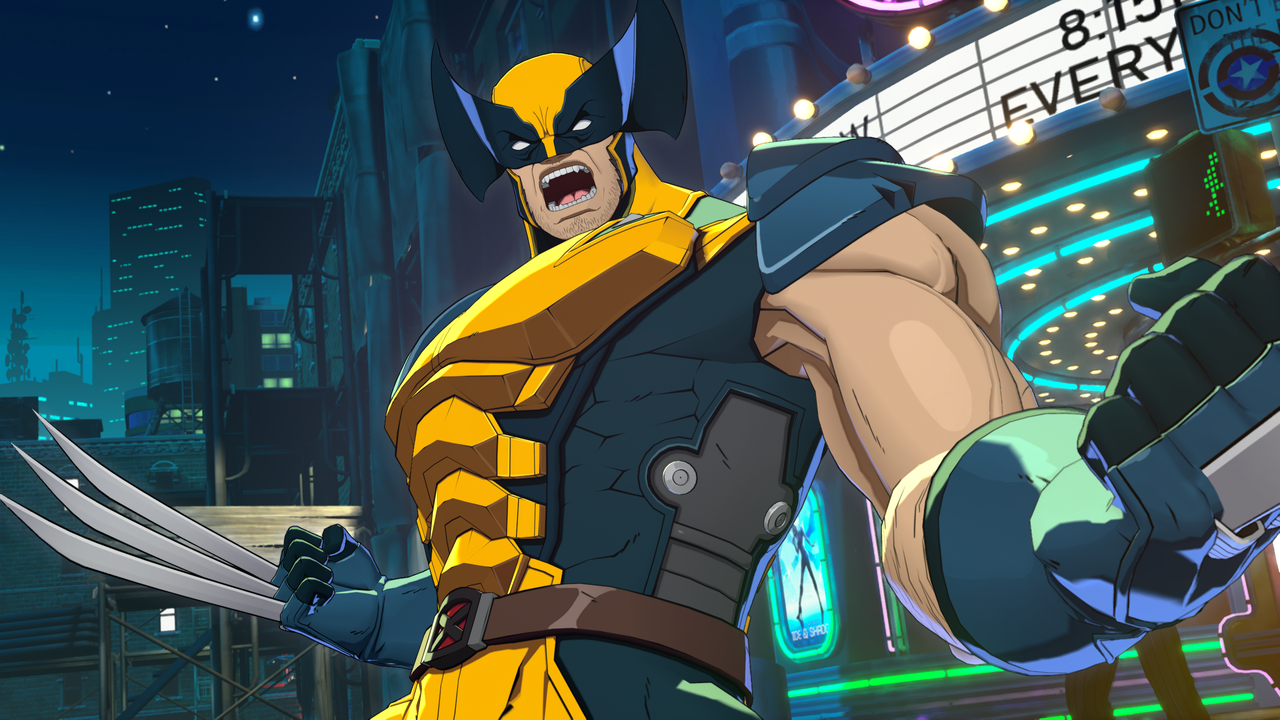
But it still broke fighting game beta records on Steam.
When you purchase through links on our site, we may earn an affiliate commission. Here’s how it works.
The Marvel Tōkon: Fighting Souls beta was open for just a short three-day window, but in that time it ran into an unfortunate number of issues. For one, the playtest for Sony's exclusive tag fighter launched the same day PlayStation Network decided it would kick the bucket, shutting all services offline for almost the entire first day in some regions.
We PC players were hit with another major issue: intense stuttering and all-round shoddy optimisation that got in the way of the otherwise slick and stylish combat no matter your specs. I think I'm one of the lucky few who actually had pretty flawless performance. One player even took to Reddit to call it "one of the worst PC ports" in a while: "This shit is inexcusable. Not buying until this gets fixed but at this point, I have no idea how you can get this cleaned up in two weeks."
Tōkon Warriors,We’re aware of the gameplay and performance issues currently affecting the PC version of MARVEL Tōkon: Fighting Souls.Our team is actively investigating these issues and working on a fix. We’ll share an update as soon as we have more information.Thank you for…July 25, 2026
Developer Arc System Works responded to all the reports, saying, "We’re aware of the gameplay and performance issues" on PC. "Our team is actively investigating these issues and working on a fix. We’ll share an update as soon as we have more information."
"Thank you for your patience and understanding, and we sincerely apologise for the impact this has had on your experience."
The team then released a six-point thread detailing community-suggested troubleshooting options that helped some players, such as running the Shader Warm-Up tool, disabling Frame Generation, and switching off various screen-recording tools.
🖥️ Display & NVIDIA Settings (4/6)Some players have also reported improvements after adjusting the following settings: • Switch from Borderless Fullscreen to Fullscreen• If using DLSS, disable Frame Generation for the game in the NVIDIA App• Disable the NVIDIA App Overlay…July 25, 2026
One theory I've seen is that it's caused by the fleet of anti-cheat and PlayStation services running in the background, viewable in Task Manager. They didn't actually hog many resources but it sure was a lot of layers in an already CPU-intensive game.