// ITS FOSS — LINUX & OPEN SOURCE
I Found a Simple Open WebUI Alternative for Running Ollama Models in a Web Browser
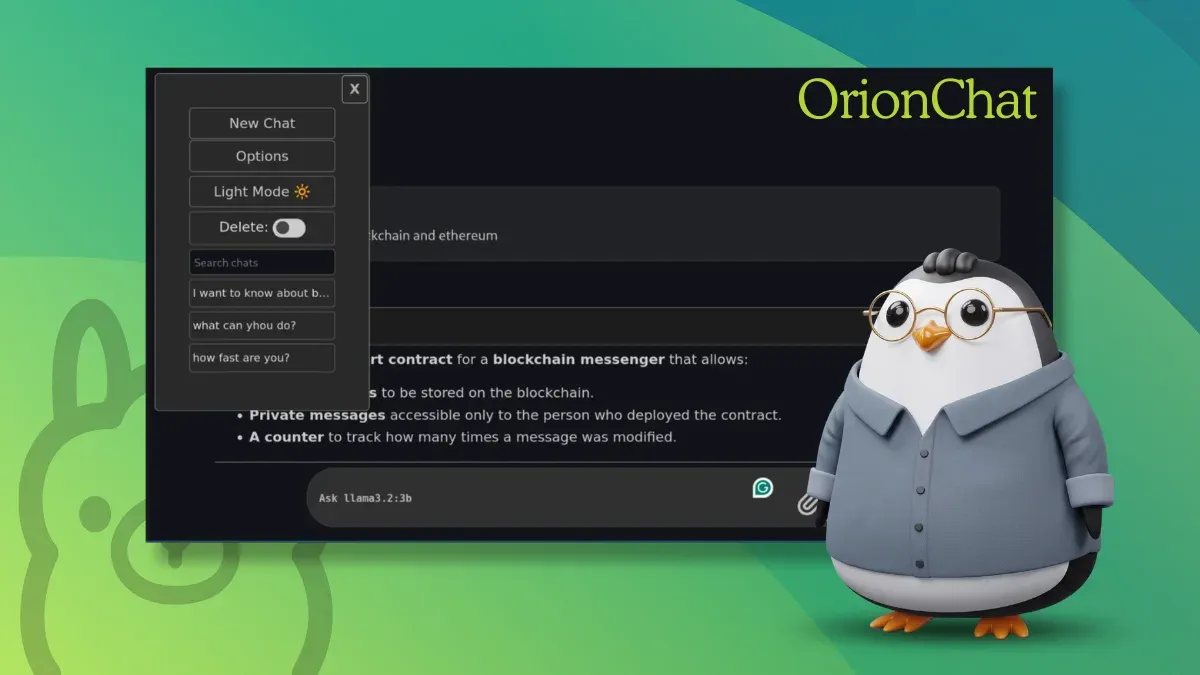
Running local AI models has become surprisingly accessible. Install Ollama, pull a model, and you can start chatting with it in minutes. That's exactly how I began my journey with local AI.
Using an LLM directly in terminal is okayish but it limits your ability. That's why there are so many frontends available for Ollama, providing you with a graphical, chatGPT-like interface. This way, you can easily revisit an earlier answer, copy code snippets, or have an extended discussion with a model.
Of the so many GUIs, Open WebUI is like the de facto Ollama front-end. I don't know about you but I find it difficult to set up.
I also looked at options like LibreChat, AnythingLLM, and LobeChat. They all felt geared toward users who wanted an all-in-one AI platform rather than a lightweight companion for a local Ollama UI.
This is the 'problem' that I think OrionChat solves...by its simplicity.
OrionChat is a free, open-source, web-based chat interface. It isn't built exclusively for Ollama. Instead, it can also talk to OpenAI, Google Gemini, Claude, Groq, Cerebras, and a few other providers.
But for this piece, I only care about one thing: how well it works as a front end for models running locally through Ollama.
It doesn't attempt to become an entire AI platform, no automation, agents, scheduled tasks. Instead, it provides a clean chat interface, model selection, and a responsive interface.
Once the models are downloaded, OrionChat simply detects them. I particularly liked this design because it doesn't introduce another layer of model management.
Getting OrionChat running took me less than five minutes. There's no need to even run a Docker daemon.