// 9TO5MAC — MOBILE & WEB
CarPlay connection issues? This might explain why
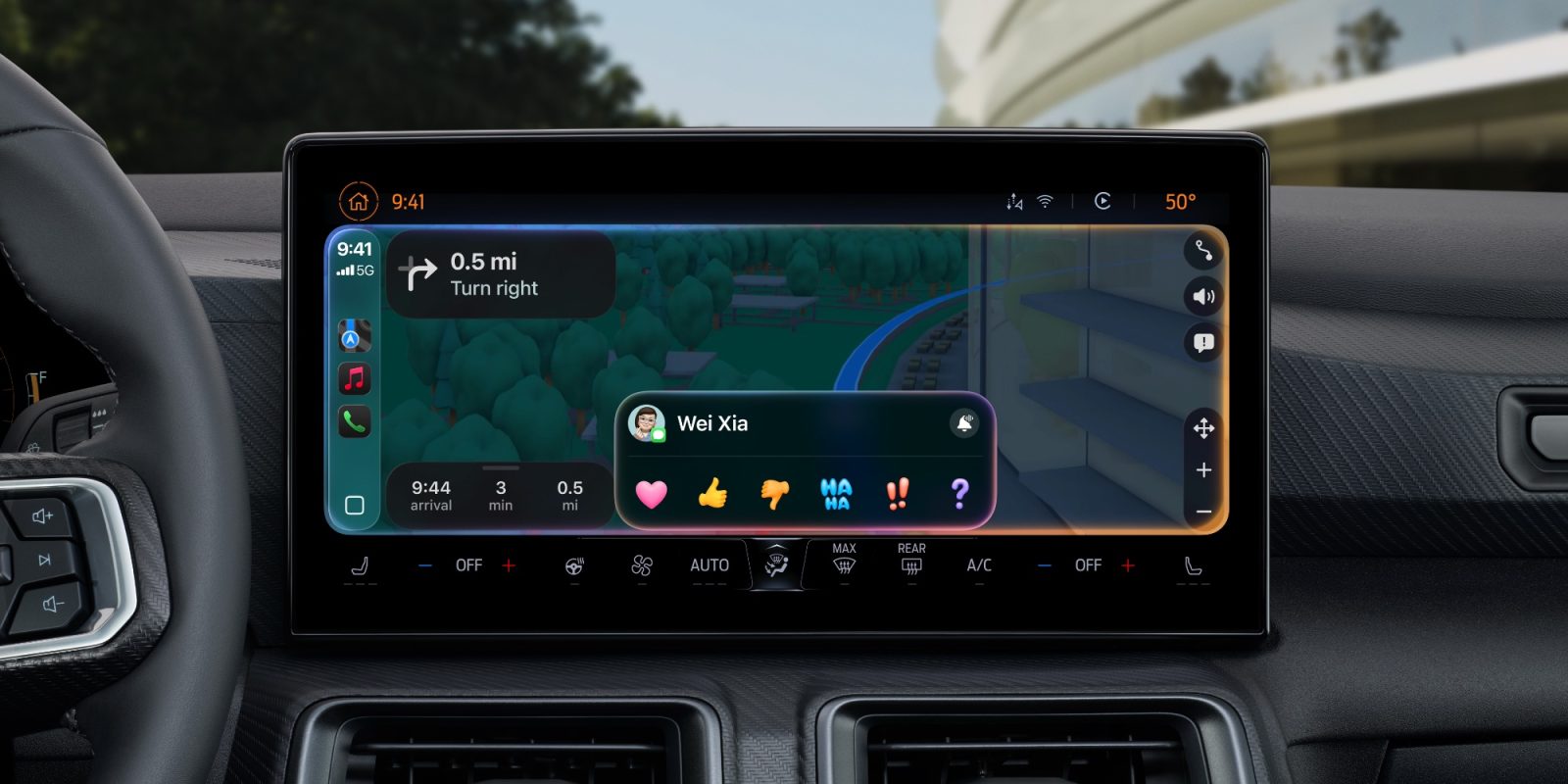
If your Apple CarPlay connection randomly drops out while driving, the cause might not be your iPhone, cable, or car.
Radio interference, of all things, could be the cause of your troubles.
An Axios report once detailed a peculiar phenomenon in Boston, where drivers lost their CarPlay or Android Auto connection at the exact same spots. Similar “dead zones” are likely in other cities, though may go unreported.
CarPlay units don’t handle GPS navigation on their own. Instead, they maintain a direct Bluetooth or Wi-Fi connection to your iPhone, projecting a view based on its connection to the internet and GPS satellites. When that wireless link between the phone and dashboard is interrupted, navigation can fail and the connection can drop.
Yup - there's a spot on Storrow Drive in Boston where I can count on losing my connection. Also, in Portland, Maine, the intersection of Woodford St. & Brighton Ave. is a frequent trouble spot. Every time this happens, I need to do a full reboot of my Ottocast wireless adapter to reestablish the connection.
It’s something I’ve only experienced a handful of times over the last decade.
Experts point to potential interference from nearby radio sources, especially in the 2.4GHz band. In Boston’s case, speculation includes point-to-point microwave links, broadcast antennas, or unlicensed transmitters.
The bottom line is if you regularly lose CarPlay connection in the same place, you may be driving through an invisible field of radio interference. It might not be fixable, but knowing the cause could save you hours of frustration troubleshooting or booking unnecessary service appointments.
Want to learn more about CarPlay? Check out these CarPlay apps, and see what changes come with iOS 27.
Apple AirTag 2 | Add Find My tracking to keys, bags, bikes, more